


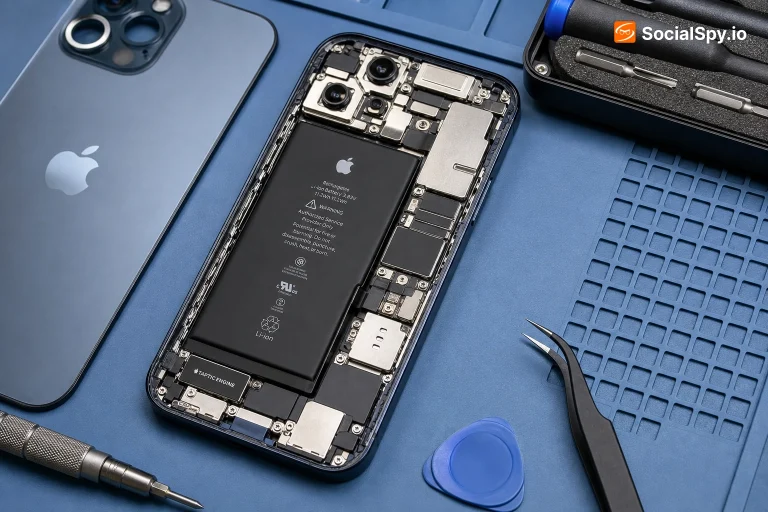
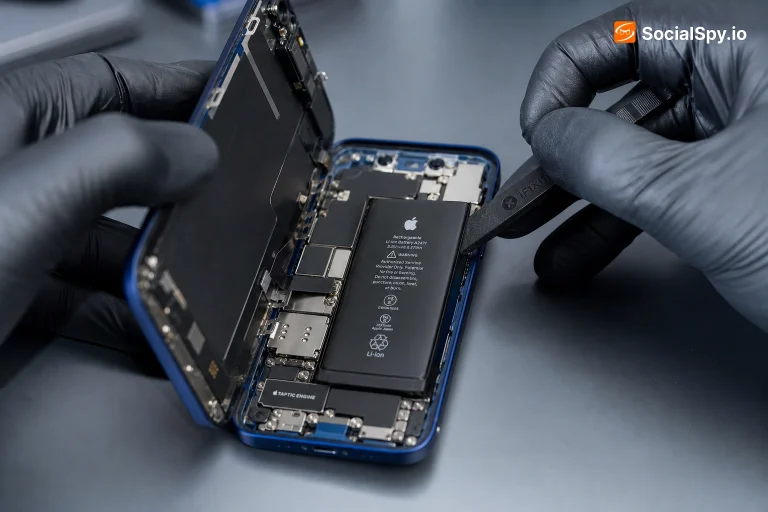
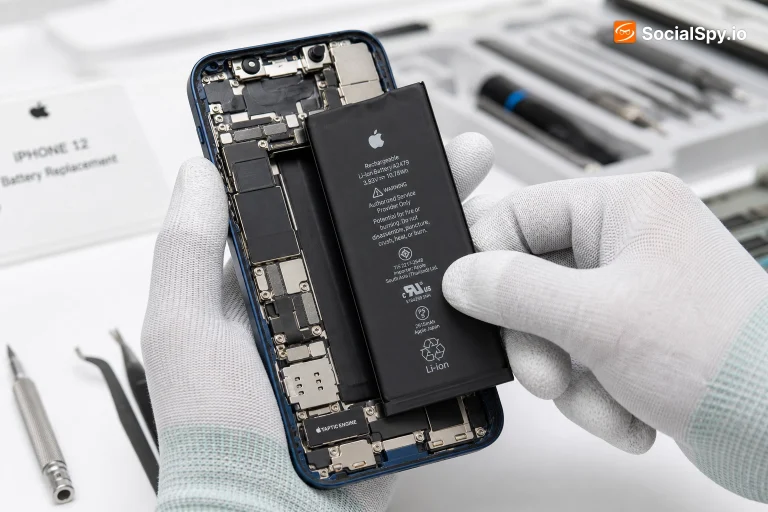
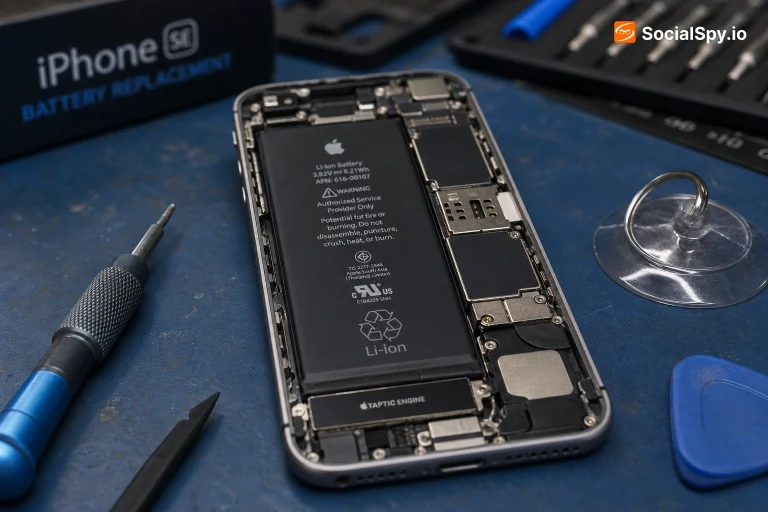
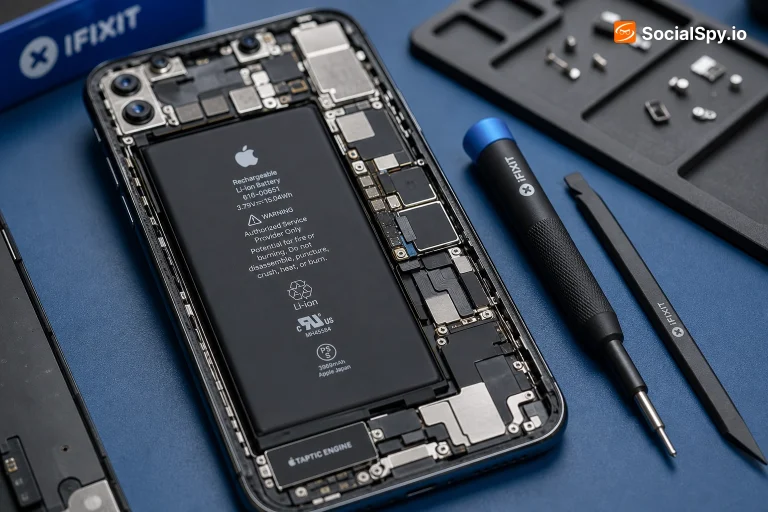
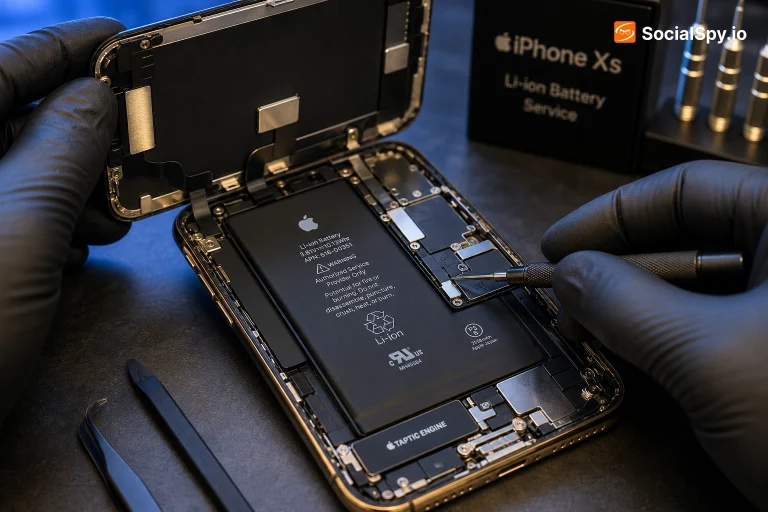
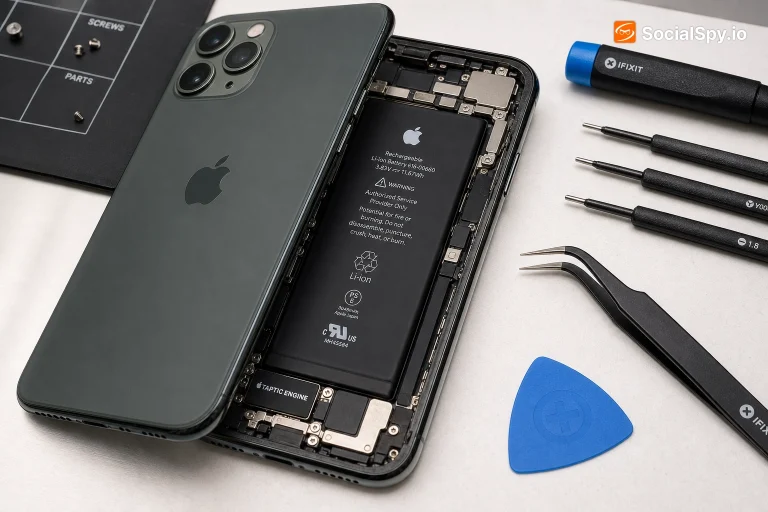
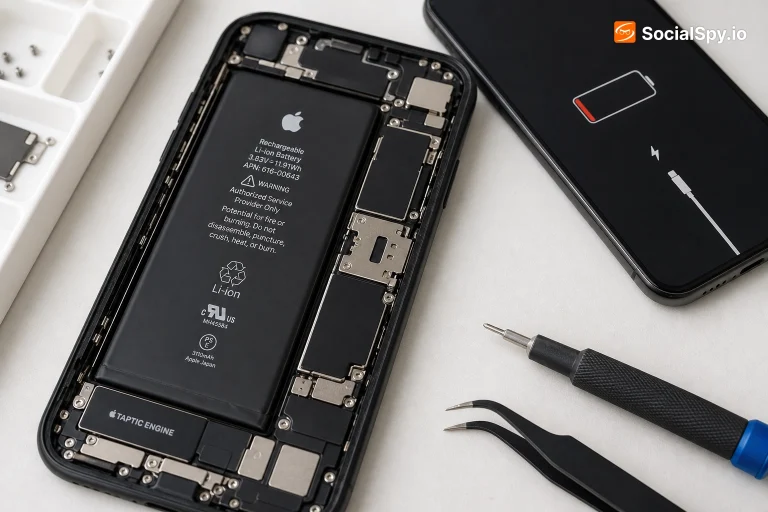
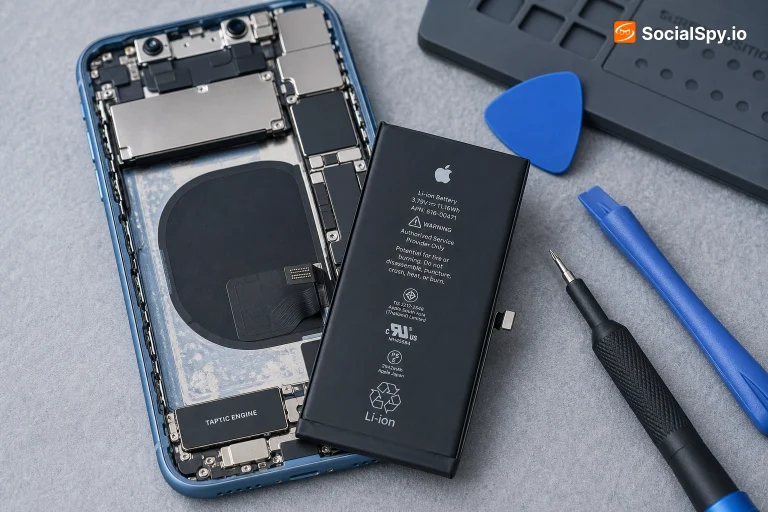
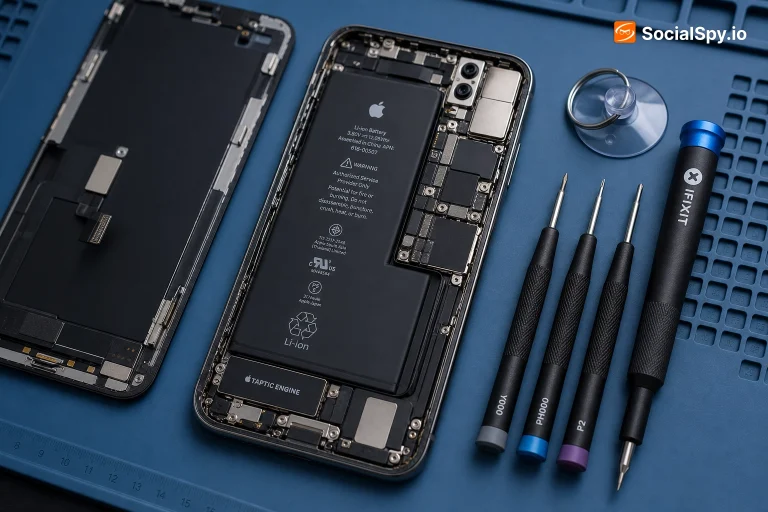
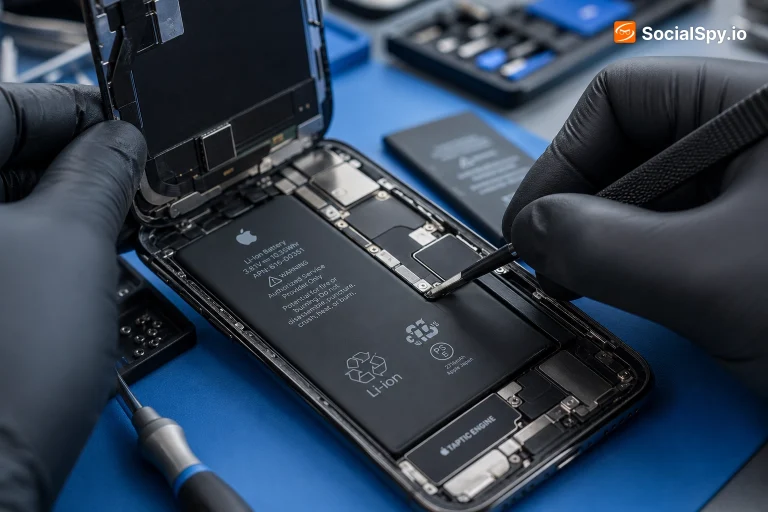

Most iPhone batteries are rated to hold 80% of their original capacity after roughly 500 full charge cycles — for a phone charged once a day, that's about a year and a half to two years before you'll notice real capacity loss. Once your Battery Health drops below 80%, or you're seeing unexpected shutdowns, replacement is worth it: batteries are one of the few iPhone repairs that reliably restores like-new performance for a fraction of the phone's value. Exact pricing depends on your model and where you get it done — see the model-specific guide above for real numbers.
How iPhone Batteries Actually Age
Every iPhone battery is a lithium-ion cell, and lithium-ion batteries don't fail suddenly — they fade. Two separate clocks are running against your battery the moment it leaves the factory: cycle aging and calendar aging.
A charge cycle counts every time you use 100% of your battery's capacity, whether that's one full 0-to-100% charge or four separate 25% top-ups added together. Apple designs iPhone batteries to retain at least 80% of their original capacity at 500 complete charge cycles under normal conditions — that's the benchmark Apple itself uses to define "Battery Health." For someone who charges overnight every day, 500 cycles works out to somewhere between 18 months and 2 years, though heavy users who top up constantly throughout the day can burn through cycles noticeably faster.
Calendar aging happens independently of how much you actually use the phone. The chemical reaction inside a lithium-ion cell continues slowly even while it sits idle, which is why a barely-used iPhone in a drawer for three years can still show meaningfully degraded battery health when you finally turn it back on. Heat accelerates this dramatically — a phone that regularly sits at 35°C+ (leaving it on a car dashboard, charging under a pillow, gaming while plugged in) will age faster than an identical phone kept cool, even with the exact same usage pattern.
This is why two iPhones of the same model and age can have very different battery health: it's rarely just about the calendar, it's the combination of cycle count, heat exposure, and charging habits.
The Real Signs You Need a Battery Replacement
Battery Health percentage (Settings → Battery → Battery Health & Charging) is the headline number, but it's not the only signal worth watching. In practice, these are the symptoms that actually mean it's time:
- Battery Health below 80%. This is Apple's own threshold — below it, the phone can no longer guarantee peak performance, and it's also the cutoff AppleCare+ uses to qualify for free battery service.
- Unexpected shutdowns at non-zero battery. If your phone powers off at 20-30% and won't turn back on until plugged in, the battery can no longer deliver the peak current your processor needs under load — a classic sign of a worn-out cell, independent of what the health percentage says.
- "Peak Performance Capability" throttling notice. If you've ever seen a message saying your iPhone has "unexpectedly shut down" and performance management has kicked in, iOS is already deliberately slowing your phone down to prevent further shutdowns — a direct battery symptom, not a software bug.
- Visible swelling. A battery that's puffing up (screen lifting slightly at the edges, back glass bulging) is a safety issue, not just a performance one — stop using the phone and get it serviced immediately rather than waiting.
- All-day battery no longer lasting the morning. If a full charge that used to comfortably reach evening now needs a top-up by lunchtime with the same usage pattern, that's real-world capacity loss even if you haven't checked the percentage yet.
Any one of the first three on their own is a reasonable trigger to replace. Swelling isn't optional — it needs immediate attention.
What Actually Decides Your Battery Replacement Cost
Rather than one fixed number, iPhone battery replacement cost is driven by a handful of concrete factors:
- Warranty and AppleCare+ status. If your Battery Health is under 80% and you're within warranty or covered by AppleCare+, replacement is typically free. Outside of that coverage, you're paying out-of-pocket, whether through Apple, an authorized provider, or an independent shop.
- Model and battery size. Pro and Pro Max models generally cost more to service than standard and mini models — larger batteries and more complex internal assembly (especially models with the newer structural battery designs used from the iPhone 15 generation onward) mean more parts and more labor.
- Where you get it done. Apple or an Apple Authorized Service Provider uses genuine parts and includes a warranty on the repair, generally at the highest price point. Independent repair shops are usually cheaper and faster, but part quality and warranty terms vary a lot shop to shop — worth checking reviews and asking specifically whether they use genuine or OEM-equivalent cells. Mail-in and battery-only kit options exist too, at the lowest cost but with your own labor and risk involved.
- Hidden condition issues found during the repair. If your screen or back glass is already cracked, or previous repairs used non-genuine parts, some providers (especially Apple) will flag this and either charge more or decline in-warranty service until it's addressed first.
Because these variables genuinely change the number, exact current pricing lives on each model's dedicated guide above rather than here — that's the number that will actually be accurate for your phone.
DIY iPhone Battery Replacement: What You're Really Risking
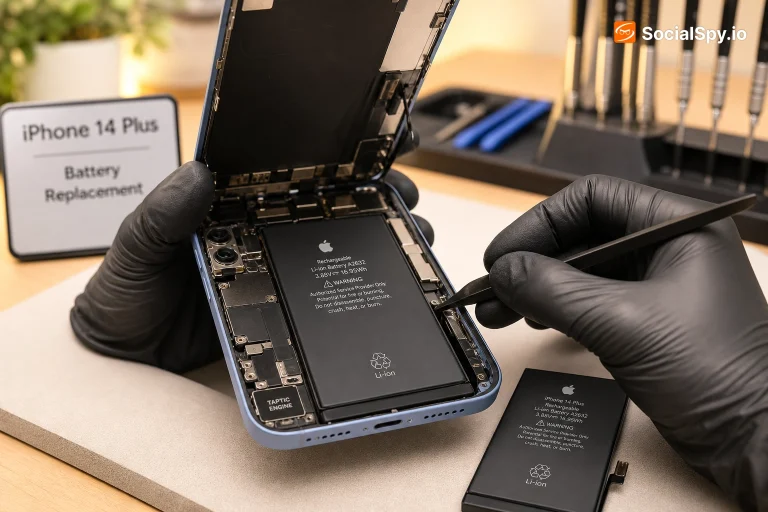
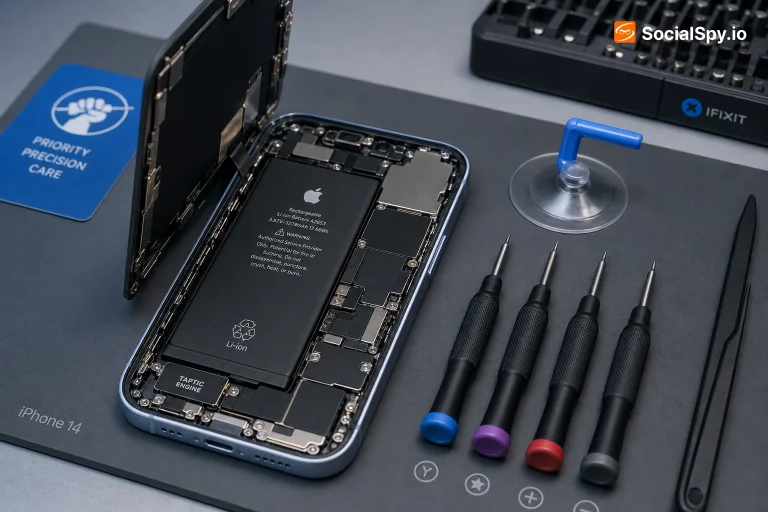
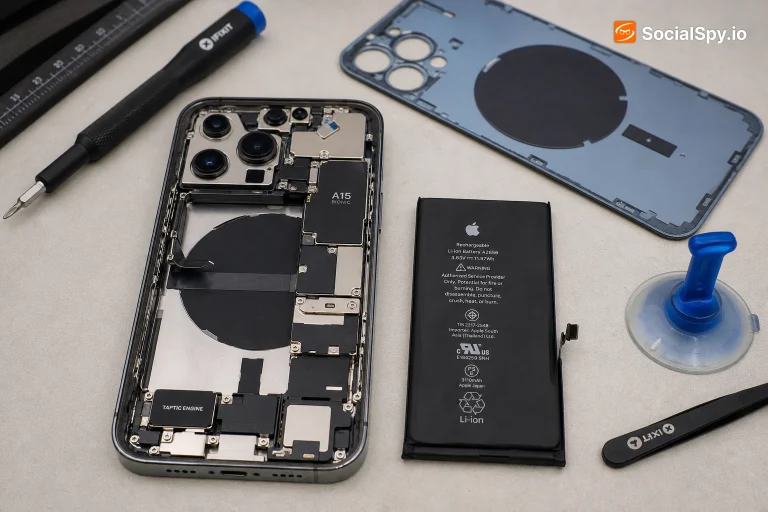
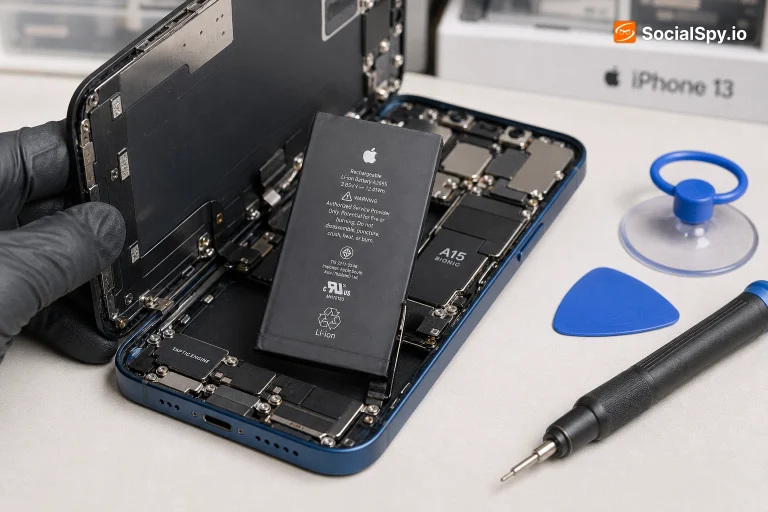
Battery replacement kits are widely available, and for a comfortable, patient DIYer with the right tools, it's genuinely doable on most models. But it's worth going in with clear eyes about the real risks, not just the time saved:
- Adhesive strips and pull tabs. Modern iPhones glue the battery to the chassis with stretch-release adhesive strips. If a strip snaps mid-pull (common), the safe next step is applying isopropyl alcohol and waiting, or gently prying with a plastic tool — not levering with metal near the cell, which is how batteries get punctured.
- Puncture risk is a real safety issue, not just a cost issue. A punctured lithium-ion cell can swell, overheat, or in rare cases ignite. This is the single biggest reason professional repair remains the safer default for anyone not fully comfortable with the process.
- Water resistance is gone either way. Opening the case breaks the factory adhesive seal. Even professional replacements typically can't fully restore original water resistance ratings — budget for that regardless of who does the work.
- Calibration matters after replacement. A freshly installed battery needs a few full charge-discharge cycles before its percentage readout stabilizes and matches real capacity — don't judge a new battery's health by the first day's readings.
If you do go the DIY route, Apple's own battery and performance guidance and battery education page are worth reading first — they cover the underlying chemistry and Apple's official service thresholds in more depth than most third-party guides.
How to Slow Down Battery Aging (Without the Myths)
A lot of "battery life hacks" that circulate online are outdated or flat-out wrong. Here's what actually holds up:
- Heat is the real enemy, more than charge habits. Keeping your phone cool — not charging it in direct sun, not gaming heavily while plugged in under a case — does more for long-term battery health than any charging routine.
- Optimized Battery Charging and Clean Energy Charging help. Both features (Settings → Battery → Battery Health & Charging) learn your daily routine and delay the final charge past 80% until closer to when you'll actually unplug, reducing the time spent sitting at a full charge — one of the more stressful states for a lithium-ion cell.
- The old "20-80% rule" is a nice-to-have, not a requirement. Avoiding letting your phone regularly sit at 0% or 100% for long stretches is mildly beneficial, but modern iPhones already manage charging current intelligently. Don't stress over every percentage point — consistent extreme heat does far more damage than occasionally charging to 100%.
- Fast charging isn't the villain it's rumored to be. Apple's charging circuitry manages heat and current during fast charging; occasional fast charges aren't meaningfully harder on the battery than Apple advertises. Frequent fast charging in already-hot conditions is the actual combination to avoid.
- Low Power Mode won't preserve long-term health, but it helps day-to-day. It reduces background activity to stretch a single charge further — useful for getting through a long day, not a factor in long-term degradation either way.
Frequently Asked Questions
In most cases, yes — a battery replacement is a small fraction of a new iPhone's cost and, unlike most other repairs, it fully restores real-world performance and all-day battery life. If the rest of the phone (screen, cameras, chip performance) still meets your needs, a battery replacement is one of the best-value repairs available for any smartphone.
If your iPhone is within its original one-year warranty or covered by AppleCare+, and Battery Health has dropped below 80%, replacement is free. Outside of that coverage, it's a paid service — the exact price depends on your model.
Usually yes, if the shutdowns are happening at non-zero battery percentage. That's a classic sign the battery can't deliver peak current anymore, and a new battery typically resolves it immediately.
At an Apple Store or authorized provider, same-day service is common, often within a few hours depending on parts availability and store load. Independent shops frequently offer even faster turnaround, sometimes 30-60 minutes for standard models.
A genuine new battery starts at or near 100% Battery Health. It can take a few charge cycles for the reported percentage to stabilize and accurately reflect the new cell's true capacity.
It can be, provided the shop uses good-quality cells and proper technique — but quality varies significantly between providers. Genuine or high-quality OEM-equivalent parts, a clear warranty on the repair, and visible experience with your specific model are the things worth checking before you commit.