iPhone 14 Pro Battery Basics
The iPhone 14 Pro was the first iPhone with the Always-On display and the Dynamic Island, and both genuinely change how the phone uses power compared to older models. If you're trying to figure out whether your 14 Pro actually needs a new battery, it's worth understanding these two features first, because they can make a perfectly healthy battery feel like it's draining faster than it should.
What Made the iPhone 14 Pro Special
The 14 Pro was the biggest visual and functional overhaul of the iPhone in years. It replaced the notch with the Dynamic Island, a pill-shaped cutout that morphs to show live activity like timers, calls, and Face ID - genuinely new interaction design, not just a smaller notch. It also introduced the Always-On display, a 48MP main camera (a big jump from the 12MP Apple had used for years), and the A16 Bionic, a chip Apple didn't put in any other 14-series model. Crash Detection and satellite SOS, both safety features, launched here too.
How the iPhone 14 Pro Battery Ages
The Always-On display keeps a dimmed version of your lock screen visible at all times instead of going fully black, which means the screen never truly rests during the day. That draws more power over 16-18 hours than a phone that sleeps normally between checks, and it's a real, ongoing drain that has nothing to do with battery health. Separately, the A16 Bionic chip inside the 14 Pro is more capable than any chip Apple had shipped before it, and that extra performance comes with extra power draw under heavy tasks like 4K video editing, ProRAW photography, or graphics-heavy games. None of this means your battery is degrading faster than normal - it means the phone itself asks more of the battery than older iPhones did. The actual aging process underneath all of that is the same as every other iPhone: the battery is a lithium-ion cell rated for roughly 500 full charge cycles before it drops below 80% of its original capacity, and that clock runs whether you use Always-On or not.
Signs You Need a Replacement
Because the 14 Pro is still a relatively recent phone, the clearest sign it's time for a new battery isn't "it feels like it drains fast" - that could easily be Always-On or heavy camera use. The clearer signals are a Battery Health reading that has actually dropped below 80% (check Settings, then Battery, then Battery Health & Charging), or the phone shutting itself off unexpectedly while there's still charge left on the screen. If you see either of those, the battery itself is the issue. If you're just noticing shorter days than you remember, try turning off Always-On display for a week first and see if that alone fixes it - a lot of 14 Pro owners are surprised by how much that one setting matters.
What a Replacement Costs
Replacement cost on the 14 Pro tends to sit at the higher end for a non-Max iPhone, mainly because Pro models use more complex internal assembly than the standard 14, and genuine parts for a newer, still-in-demand phone usually cost more than parts for an older model. Whether you're in or out of warranty changes the number completely - inside AppleCare+ coverage with Battery Health under 80%, it's free; outside that, you're paying full price wherever you go. Independent repair shops are usually noticeably cheaper than Apple or an authorized provider, but it's worth asking specifically whether they're using a genuine Apple battery or a third-party equivalent, since that affects both the price and how the phone reports battery health afterward.
DIY vs. Professional Replacement
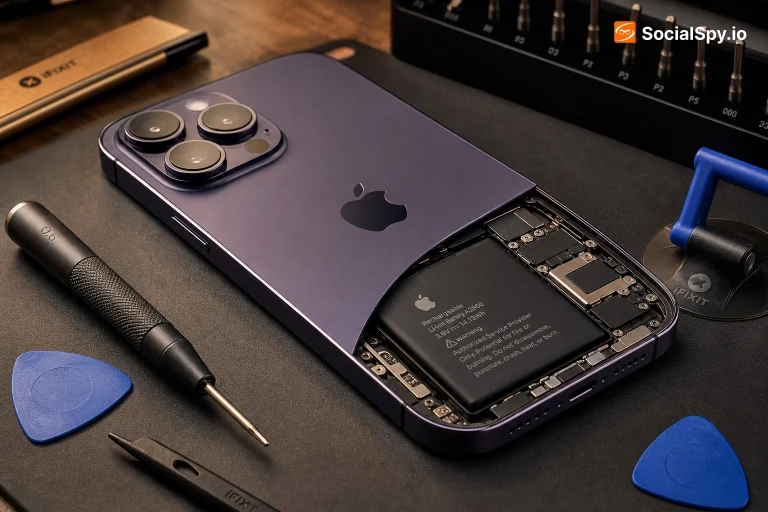
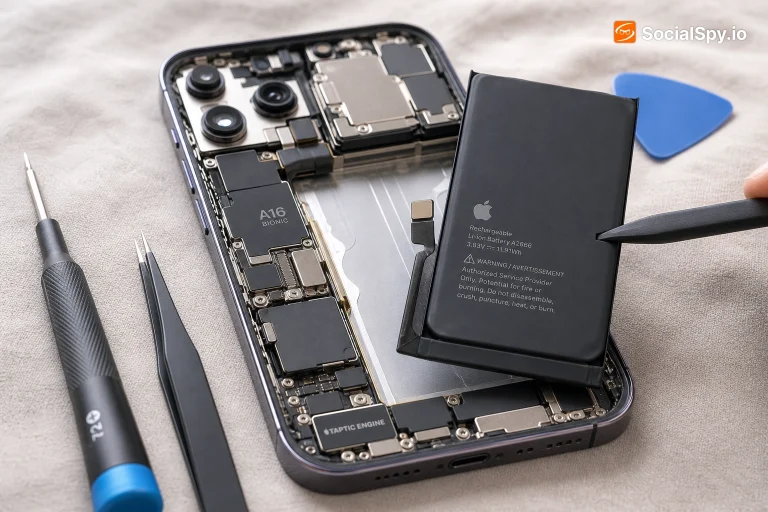
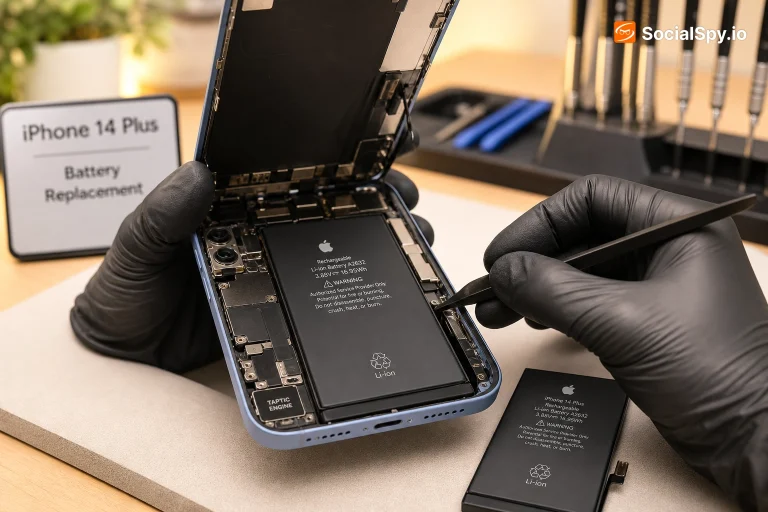
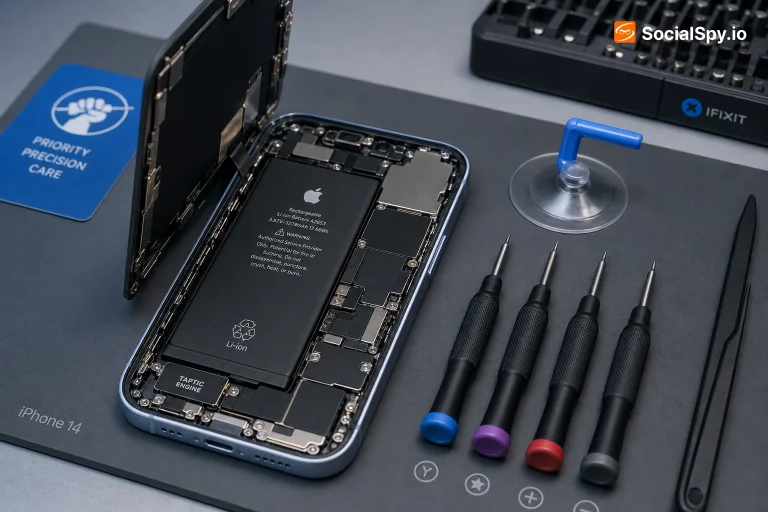
The 14 Pro, like every iPhone since the X, uses stretch-release adhesive strips to hold the battery in place instead of screws, which means DIY replacement involves carefully pulling those strips out rather than unscrewing anything. If you're comfortable with small electronics repair and have the right tools (a specific screwdriver set, plastic prying tools, and patience), it's doable - but the 14 Pro's internal layout is dense, with the battery sitting close to other components, so there's less margin for error than on older, simpler iPhones. A punctured or bent battery is a genuine fire risk, not just a wasted part, which is the main reason professional repair remains the safer default here unless you've done this kind of repair before.
Tips to Make It Last Longer
A few things specifically worth knowing on the 14 Pro: turning off Always-On display when you don't need it is the single biggest battery-life lever you have, more so than on any iPhone before it. Keeping the phone out of direct heat (a hot car, direct sun on a table) matters more than people think, since heat is the single biggest accelerator of long-term battery wear - more than how you charge it. Optimized Battery Charging, which is on by default, learns your daily routine and slows the last part of a charge so the phone doesn't sit at 100% for hours before you unplug it, which reduces stress on the cell over time. None of these will undo existing wear, but they'll slow how fast new wear accumulates.
Is the iPhone 14 Pro Still Worth It in 2026?
In 2026, the 14 Pro still holds up well - the 48MP camera, Dynamic Island, and Always-On display were genuinely forward-looking features that newer iPhones have only built on, not replaced. If you're buying one used, check Battery Health before anything else, since that's the part most likely to need attention on a phone this age; everything else (camera, display, performance) remains competitive for daily use. A battery replacement is a reasonable investment to extend its life further if the rest of the phone is in good shape.
Frequently Asked Questions
Yes - it's one of the more noticeable battery settings on this specific model, since the screen is otherwise never fully off. Many 14 Pro owners see a real difference in how far a charge stretches once it's disabled.
They're close in capacity, but the 14 Pro runs more demanding hardware (the newer A16 chip, ProMotion, Always-On), so real-world battery life often feels similar or slightly shorter than the standard 14 despite a comparable-sized cell.
No - those are software/display features, not battery-dependent. A battery replacement addresses charge duration and shutdown issues, not display behavior.
It sits toward the higher end for a non-Max iPhone due to the Pro model's more complex assembly - free if you're within warranty or AppleCare+ coverage and Battery Health is under 80%, otherwise a paid service with pricing that varies by provider.