iPhone 14 Pro Max Battery Basics
The iPhone 14 Pro Max combines the biggest battery Apple has ever shipped in an iPhone at the time with the same power-hungry Always-On display and Dynamic Island that debuted on the 14 Pro. That pairing makes it one of the more forgiving phones in the lineup when it comes to battery anxiety, but it also means the signs of real battery wear can take longer to show up than they would on a smaller phone - and by the time they do, the drop is usually more noticeable in daily use.
What Made the iPhone 14 Pro Max Special
The 14 Pro Max paired the biggest screen and battery in the 14 lineup with every feature the 14 Pro introduced: the Dynamic Island replacing the notch, an Always-On display, a 48MP main camera (up from 12MP), and the A16 Bionic chip - hardware Apple kept exclusive to the Pro models that year while the standard 14 and 14 Plus kept the previous generation's chip. It also carried Crash Detection and satellite SOS, Apple's first safety features built around emergency situations rather than everyday use.
How the iPhone 14 Pro Max Battery Ages
Underneath the large capacity, the 14 Pro Max ages the same way every lithium-ion iPhone battery does: it's rated to hold at least 80% of its original capacity through roughly 500 full charge cycles of normal use, after which the decline becomes more noticeable. The Always-On display keeps the lock screen dimly visible around the clock instead of going fully black, which adds a small but constant drain across 16-18 hours a day - that's a genuine power cost, not a sign of a failing battery. The A16 Bionic chip and 48MP ProRAW camera also draw more power under heavy use (video editing, gaming, burst photography) than older iPhones did. None of that changes the underlying chemistry - heat exposure, total charge cycles, and time are still the three things actually wearing the cell down - but it does mean a 14 Pro Max that feels like it drains "normally" for its size can still be masking real capacity loss underneath.
Signs You Need a Replacement
Because the battery starts so large, don't rely on how the day "feels" to judge health - check Battery Health directly (Settings, then Battery, then Battery Health & Charging) rather than guessing. A reading below 80% is Apple's own threshold for recommending a replacement, and it's the most reliable single signal on this model specifically, since the oversized capacity can hide moderate wear that would be obvious on a smaller iPhone. Unexpected shutdowns while the screen still shows charge remaining are the other clear sign - if that happens even once, the battery is very likely the cause. If you're just noticing a shorter day than you remember, try disabling Always-On display for about a week before assuming the battery itself is the problem.
What a Replacement Costs
As the top-tier model in the 14 lineup, the Pro Max typically sits at or near the highest replacement cost of any 14-series iPhone, reflecting both its more complex internal assembly and its larger, higher-capacity cell. In-warranty or AppleCare+ coverage with Battery Health under 80% makes the replacement free; outside that coverage, independent repair shops are usually the most affordable option, though it's worth confirming upfront whether they use a genuine Apple battery or a third-party equivalent, since that affects both price and how accurately the phone reports battery health afterward. Apple and authorized providers cost more but include a service warranty and guaranteed genuine parts.
DIY vs. Professional Replacement
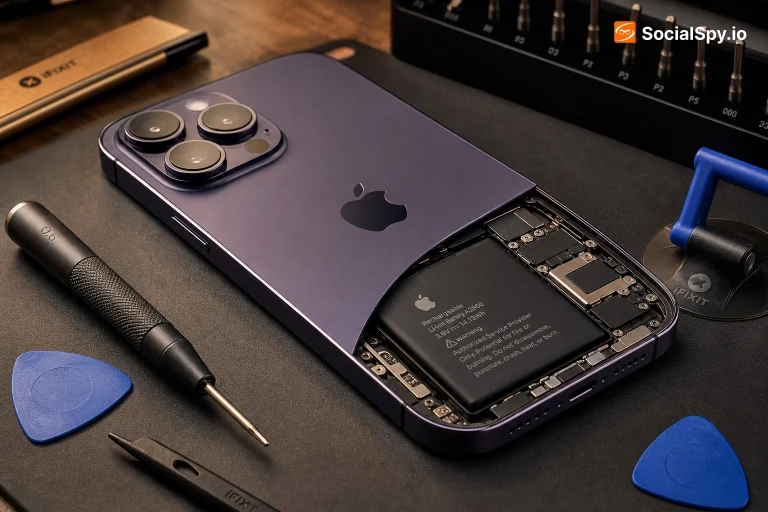
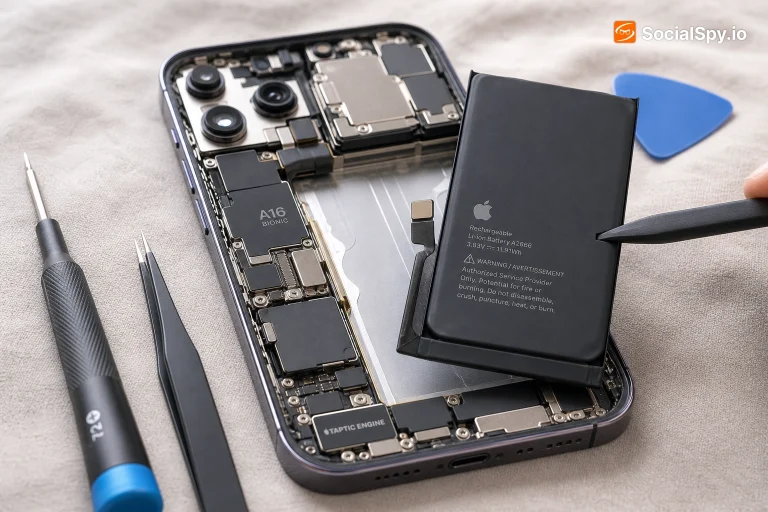
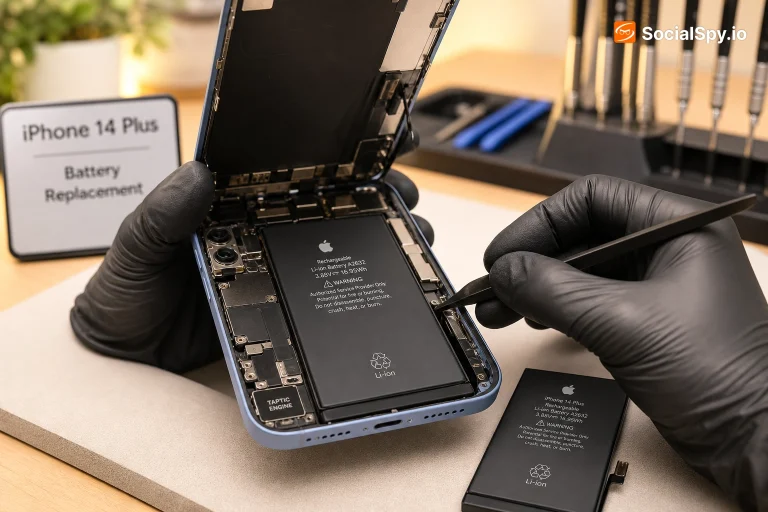
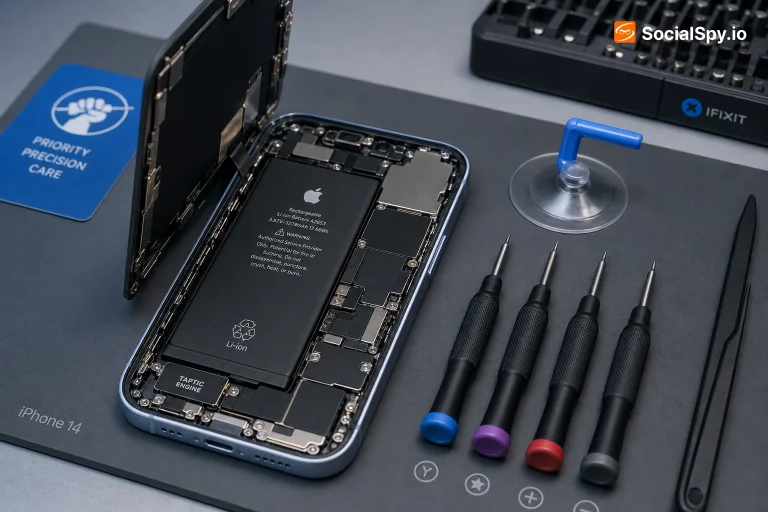
Like every iPhone since the X, the 14 Pro Max holds its battery in place with stretch-release adhesive strips rather than screws, so DIY replacement means carefully pulling those strips free instead of unscrewing anything. Its larger body gives slightly more room to maneuver than the standard 14 Pro, but the internal layout is still dense, with the battery sitting close to other sensitive components - there's real risk of puncturing the cell if a metal prying tool is forced in the wrong spot, which is a genuine fire hazard, not just a wasted part. If you've done this kind of repair before and have the right tools (proper screwdrivers, plastic prying tools, isopropyl alcohol for stubborn adhesive), it's doable; if not, professional replacement is the safer default.
Tips to Make It Last Longer
A few things specifically worth knowing on the 14 Pro Max: turning off Always-On display when you don't need it is the single biggest lever for daily battery life on this model, more so than on any non-Pro iPhone. Avoiding prolonged heat exposure - a hot car, direct sun on a table - matters more for long-term capacity than any charging habit, since heat is the single biggest accelerator of battery wear. Optimized Battery Charging, on by default, learns your routine and slows the final part of a charge so the phone doesn't sit at 100% for hours, which reduces stress on a cell this large over time. None of these habits reverse existing wear, but they meaningfully slow how fast new wear accumulates.
Is the iPhone 14 Pro Max Still Worth It in 2026?
In 2026, the 14 Pro Max still holds up as a genuinely capable phone - the 48MP camera, Dynamic Island, and large battery were all meaningfully ahead of their time and remain competitive today. If you're buying one used, Battery Health is the single most important thing to check given the phone's age, since a large but degraded battery can still fall short of a smaller, fresher one in real-world use; everything else (camera, display, performance) holds up well for daily use. A battery replacement is a reasonable investment to extend its life if the rest of the phone is in good condition.
Frequently Asked Questions
Yes - at roughly 4,323mAh it's noticeably larger than the 14 Pro's roughly 3,200mAh cell, thanks to the Pro Max's bigger body, which is one of the main reasons it typically delivers longer real-world battery life.
Its unusually large starting capacity means moderate degradation is easier to not notice day to day than on smaller iPhones - check the actual percentage in Settings, then Battery, then Battery Health & Charging rather than judging purely by feel.
Yes - since the screen otherwise never fully turns off, disabling it is one of the more noticeable single settings you can change, and many owners see a real difference in how far a charge stretches.
It tends to sit at the higher end of the 14 lineup due to its larger cell and more complex Pro-model assembly - free if you're within warranty or AppleCare+ coverage and Battery Health is under 80%, otherwise a paid service with pricing that varies by provider.