iPhone X Battery Basics
The iPhone X was a genuine turning point for the iPhone lineup - the first with Face ID, the first with an edge-to-edge OLED display, and the first without a home button. It's also now one of the oldest iPhones people are still actively using and searching for battery help on.
What Made the iPhone X Special
The iPhone X was a genuine reinvention - the first Face ID iPhone, the first edge-to-edge OLED display, and the first without a home button, setting the visual template every iPhone since has followed. It launched at a higher price than any iPhone before it, a deliberate signal that Apple considered it a new flagship tier.
How the iPhone X Battery Ages
At this age (originally released in 2017), it's extremely likely the original battery has lost a substantial share of its capacity even under light use - the X is well past the roughly 500-cycle mark where meaningful degradation is expected for essentially any daily user, and calendar aging (the slow chemical wear that continues even when a phone sits unused) has almost certainly compounded with that over the years since.
Signs You Need a Replacement
For a phone this old, it's reasonable to assume meaningful degradation without waiting for dramatic symptoms - if you haven't checked Battery Health recently (Settings, then Battery, then Battery Health & Charging), it's very likely already well below 80%. Unexpected shutdowns are a common experience on X units still running their original battery, and a phone that struggles to get through even a light day is a clear practical sign at this point.
What a Replacement Costs
As one of the older iPhones still commonly serviced, the X tends to have reasonably affordable and available battery replacement options, though parts availability has narrowed somewhat compared to more recent, higher-volume models. In-warranty coverage is not a realistic option at this point for any remaining owner, making this an out-of-pocket cost - independent shops with experience on older models are generally the most practical choice.
DIY vs. Professional Replacement
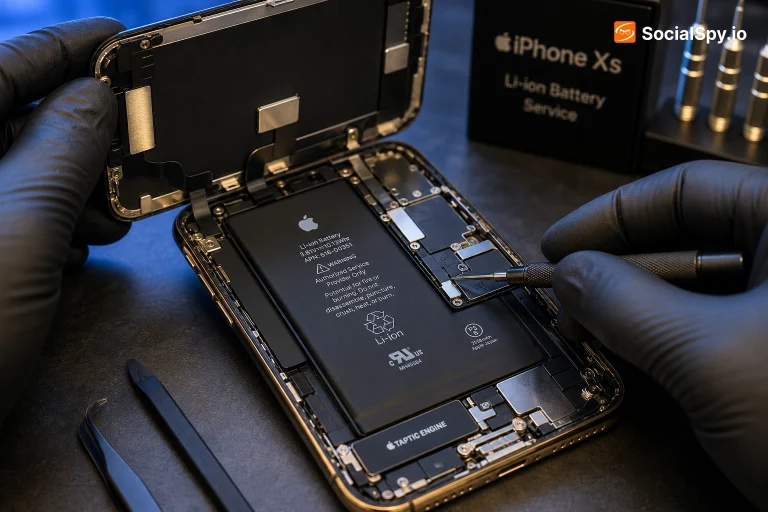
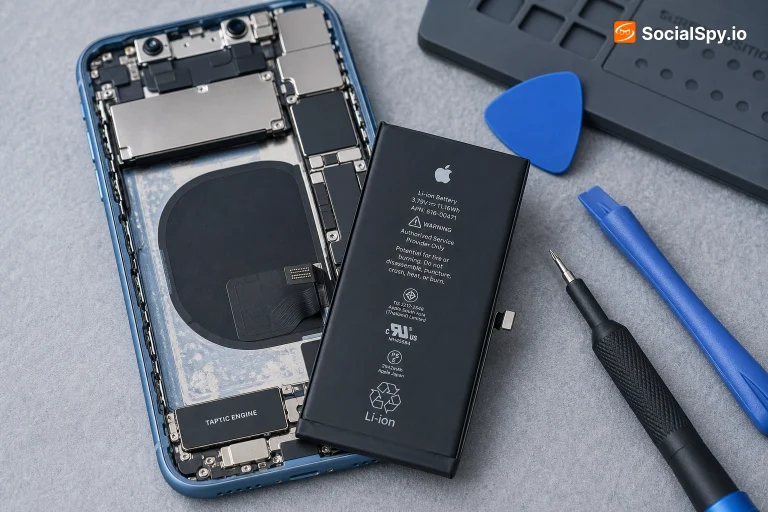
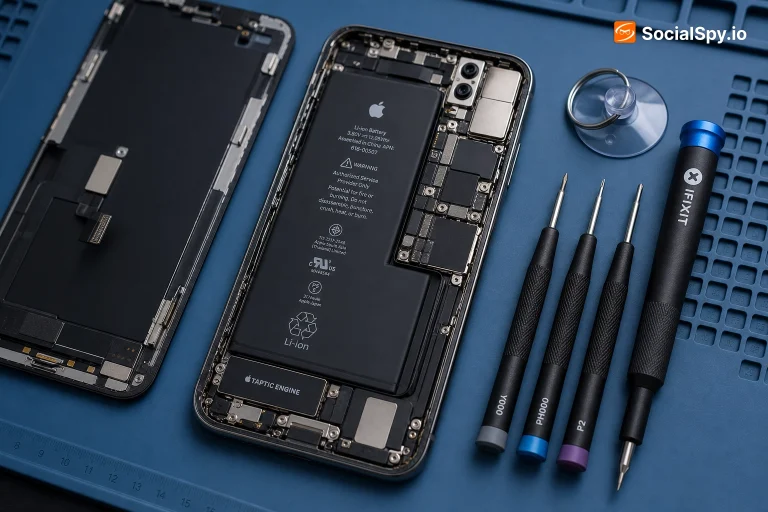
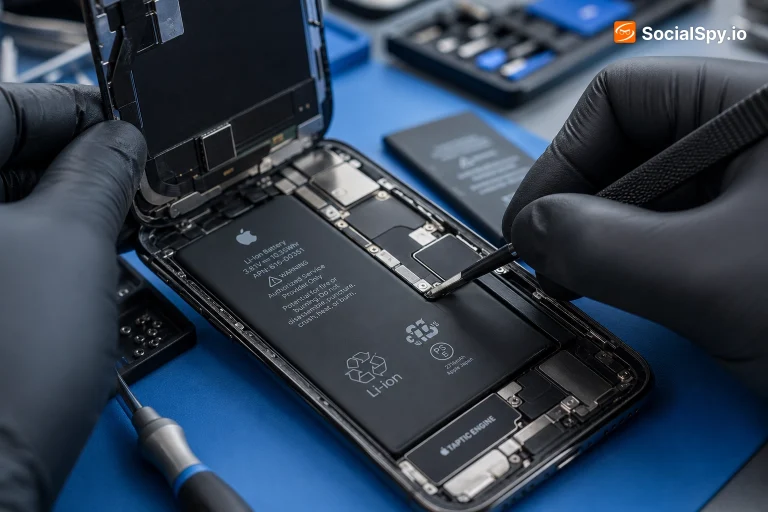
The X was the first iPhone to use stretch-release adhesive strips in its current form for battery mounting, and being several years old now, DIY guides and parts remain available, though somewhat less abundant than for newer, more common models. The core safety risk - puncturing the cell while freeing it from adhesive - is the same as on any iPhone, and remains the main reason professional repair is the safer default for anyone without direct experience.
Tips to Make It Last Longer
For a phone this old, the most useful step is simply checking Battery Health and deciding from there rather than trying to nurse an already well-worn original battery through new charging habits alone. If you do get a fresh battery installed, avoiding heat exposure and leaving Optimized Battery Charging enabled both help the new cell last as long as possible going forward.
Is the iPhone X Still Worth It in 2026?
In 2026, the X is genuinely old by smartphone standards, and it's worth being realistic about that before buying one used - expect basic daily-use performance rather than anything demanding, and assume the battery needs replacing regardless of what a quick test shows, given how many years and charge cycles it's likely accumulated. If you specifically want the phone that started the modern iPhone design, it's still a functional, if dated, choice with a fresh battery.
Frequently Asked Questions
Not necessarily - if the rest of the phone (storage, camera, performance) still meets your needs, a battery replacement is still one of the cheapest ways to meaningfully extend its useful life, even on an older model like the X.
Check Settings, then General, then Software Update to see what's currently available for your specific unit - older iPhones eventually stop receiving the newest iOS versions, though many continue getting security-focused updates for a period after that.
Yes - it was the first iPhone to replace Touch ID entirely with Face ID, along with introducing the edge-to-edge OLED "Super Retina" display and removing the home button, setting the design direction for every iPhone that followed.
Independent repair shops with specific experience on older iPhone models are usually your best bet at this point - it's worth asking directly whether they stock parts for the X specifically before assuming any general shop can do it same-day.