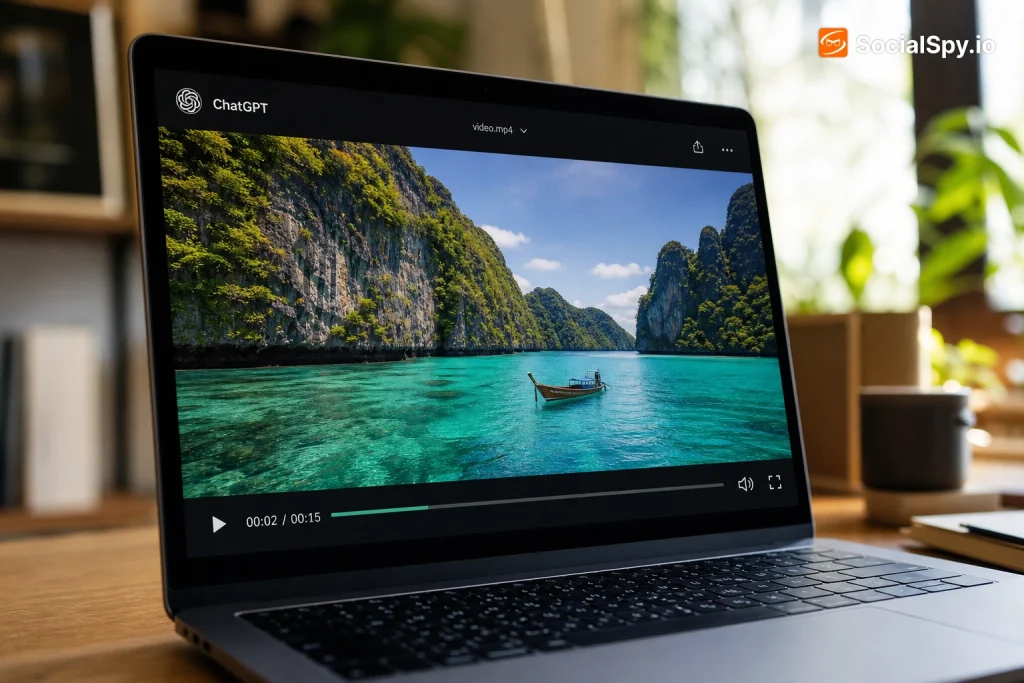
ChatGPT’s ability to handle images, files, and even live camera feeds has left a lot of people wondering whether it can go one step further and actually “watch” a video the way a human would. The short answer involves some nuance, because “watching” means different things depending on which version of ChatGPT you’re using and how the video gets to it.
How ChatGPT Actually Processes Video Today
OpenAI’s models are fundamentally multimodal, meaning they can accept text, images, and audio as input alongside written prompts. Video is trickier because a video file is really just a rapid sequence of image frames bundled with an audio track, and full video files aren’t a native upload type in the standard ChatGPT chat window as of 2026.
That said, ChatGPT has real video-adjacent capabilities depending on the product surface you’re using:
- Live camera mode in the ChatGPT mobile app lets the model see a real-time video feed through your phone’s camera and respond conversationally, functioning almost like watching a live video.
- Advanced Voice Mode on GPT-4o and newer GPT-5.1 variants can process streamed visual input alongside audio, effectively giving it “eyes and ears” during a live session.
- Uploaded video files in ChatGPT (available to Plus, Pro, and Team subscribers) are sometimes accepted, but the model typically samples individual frames rather than watching the video continuously frame-by-frame like a media player.
- Sora integration allows ChatGPT to generate video, and OpenAI has been steadily connecting Sora-generated clips back into ChatGPT conversations for iteration and analysis.
- Third-party plugins and Custom GPTs built by developers can pull YouTube transcripts, extract keyframes, or use computer vision APIs to feed processed video data back into ChatGPT’s context window.
Industry analysts tracking OpenAI’s roadmap note that true continuous video understanding — where a model watches an entire two-hour film and tracks plot, characters, and pacing the way a human does — remains one of the harder unsolved problems in multimodal AI, even in 2026.
Frame Sampling vs. True Video Understanding
The critical technical distinction is between frame sampling and temporal video understanding. These sound similar but produce very different results.
Frame sampling means the model grabs a handful of still images at intervals throughout a video — maybe one frame every few seconds — and analyzes each one as a static picture. True temporal understanding would mean the model tracks motion, cause and effect, and continuity across every single frame in sequence, understanding that frame 400 causally follows from frame 399.
Why This Matters for Real Use
| Task | Frame Sampling | True Video Understanding |
|---|---|---|
| Describing what’s in a scene | Works well | Works well |
| Tracking a fast-moving object | Often misses it | Handles it accurately |
| Understanding dialogue timing/lip sync | Poor | Good |
| Summarizing a long tutorial video | Inconsistent | Reliable |
| Catching a subtle visual cutaway or edit | Usually missed | Usually caught |
Most of what ChatGPT does today with video content falls into the frame-sampling category, even when the marketing language implies something more seamless. That’s important context if you’re trying to use it for anything precision-dependent, like verifying continuity errors in footage or catching a specific split-second moment.
Practical Ways to Get ChatGPT to “Watch” a Video
Even without native full-video comprehension, there are several workarounds people use daily to get useful video analysis out of ChatGPT. These methods essentially do the visual or textual conversion work up front, then hand ChatGPT a format it’s genuinely good at reasoning over.
- Extract a transcript first. Tools like YouTube’s built-in transcript feature or third-party transcription services (Otter.ai, Descript) turn spoken content into text, which ChatGPT can then summarize, analyze, or fact-check with high accuracy.
- Pull key frames as screenshots. Grab still images at important moments and upload them directly — this is where ChatGPT’s image understanding genuinely shines, since it’s much stronger with static images than dynamic footage.
- Use a Custom GPT built for video. Several community-built GPTs in the GPT Store specialize in ingesting YouTube URLs and returning structured summaries by combining transcript retrieval with the base model’s reasoning.
- Try the mobile camera feature for live review. If you’re troubleshooting something physical — a recipe, an assembly process, a workout form — pointing your phone camera at it in real time and talking to ChatGPT is currently the closest thing to genuine “watching.”
- Upload short clips directly in supported apps. Plus and Pro tier users can sometimes attach short video files (Pro accounts often have larger file size and duration allowances), and the model will do its best with sampled frames plus any embedded audio track.
If you’re regularly hitting size limits trying to upload video or large media files, it’s worth understanding how to send large files to ChatGPT Extension, since compression and chunking strategies matter a lot here. And if your workflow leans more toward stills than motion, it helps to know how many images does ChatGPT allow in a single conversation before you hit a ceiling.
Where ChatGPT’s Video Handling Falls Short
Nobody should treat ChatGPT as a drop-in replacement for a video editor’s trained eye or a dedicated computer vision pipeline. There are specific, well-documented limitations worth knowing before you rely on it for anything important.
- Long-form video degrades accuracy. The longer the clip, the more frames get skipped in sampling, and the more likely the model is to hallucinate details or miss key plot points.
- Fast motion and rapid cuts confuse it. Sports highlights, action sequences, and quick-cut editing styles are notoriously hard for frame-based analysis to track accurately.
- Audio-visual sync isn’t guaranteed. Even when ChatGPT has both the audio track and sampled frames, it doesn’t always correctly match what’s being said to what’s shown on screen at that exact moment.
- Copyrighted content triggers restrictions. Uploading full movies, TV episodes, or copyrighted music videos for analysis can run into content policy walls, separate from any technical limitation.
- No persistent “memory” of a video across sessions unless you specifically save context, which connects to a broader question people have about does ChatGPT use my desktop memory when handling large uploaded media across multiple chats.
These limitations aren’t necessarily permanent. OpenAI has shipped major multimodal upgrades roughly every 9-12 months since GPT-4V launched, and video is the obvious next frontier given how far image and audio understanding have already come.
What This Means for Different Use Cases
The practical value of ChatGPT’s video capabilities varies enormously depending on what you’re actually trying to accomplish. Breaking it down by use case makes the tradeoffs clearer.
Content creators and marketers get real value from transcript-based summarization — turning a 40-minute podcast recording into show notes, timestamps, and social clips takes minutes instead of hours. This pairs well with strategies around getting free traffic from ChatGPT using AIO versus traditional SEO, since repurposing video into searchable text content is a major traffic lever in 2026’s AI-driven search landscape.
Researchers and students benefit most from frame-extraction workflows when analyzing lecture recordings or documentary footage, though they should always double-check factual claims the model makes about specific visual moments.
Developers building on the API have more raw power available than casual chat users, since the API allows more granular control over frame rate sampling and can be combined with dedicated computer vision models for hybrid pipelines.
Casual users troubleshooting something physical — a leaky faucet, a recipe step, a piece of furniture assembly — get the most natural experience from live camera mode, since it’s designed for exactly that kind of real-time back-and-forth.
If you’re deciding whether these video-adjacent features justify a paid tier, it’s worth reading a broader breakdown of whether ChatGPT Pro is worth it, since video upload limits, processing quality, and priority access to newer multimodal features often scale directly with subscription tier.
The Road Ahead for Video Understanding in ChatGPT
OpenAI has been vocal about multimodality being a core research priority, and video is widely viewed as the natural next step after image and audio maturity. Several signals point toward faster progress here than skeptics might expect.
- Sora’s video generation technology demonstrates OpenAI already has sophisticated internal models for understanding motion, physics, and temporal consistency — capabilities that could eventually feed back into comprehension models.
- Competing labs are racing on the same problem. Google’s Gemini models have pushed hard on native video understanding with reportedly strong results on long-context video tasks, creating competitive pressure on OpenAI to match or exceed that.
- Enterprise demand is significant. Industries like security, sports analytics, and media production have obvious commercial use cases for a model that can genuinely watch and reason over hours of footage.
- Compute costs remain the bottleneck. Processing every frame of a video at full resolution is computationally expensive at scale, which is likely why current implementations lean on sampling rather than exhaustive analysis.
None of this guarantees a specific timeline, and rumors about feature rollouts should always be treated skeptically — a useful reminder given how often speculation about ChatGPT shutting down or dramatically changing has circulated without basis. What’s clear is that video is the next major battleground in multimodal AI, and ChatGPT’s current frame-sampling approach is very likely a stepping stone rather than the final destination.
Conclusion
ChatGPT in 2026 sits in an interesting middle ground on video: it’s far more capable than a text-only chatbot, but it isn’t yet the all-seeing video analyst that science fiction promised. The realistic move is matching the tool to the job — live camera mode for real-time physical tasks, transcript extraction for long-form content summarization, and screenshot uploads when precision on a specific visual moment actually matters. Treat any full “watch this whole video” claim with healthy skepticism until you’ve tested it on your own footage, because sampling gaps and hallucinated details are still common enough to catch people off guard. The underlying trajectory, though, points toward genuine continuous video understanding arriving faster than most casual users expect, given how much competitive and enterprise pressure is now pushing every major AI lab toward solving it.
FAQ
Technically you might get a partial response through frame sampling, but copyrighted full-length content often triggers content policy restrictions, and the summary quality will likely be inconsistent due to how much gets skipped between sampled frames. A transcript-based approach through legitimate captioning tools will almost always give you more accurate, detailed results than uploading the raw video file.
Live camera mode is closer to a continuous stream of rapid image analysis paired with real-time audio than true frame-by-frame video comprehension, but the experience feels remarkably fluid for practical tasks. It works best for things happening in the moment right in front of you, rather than for reviewing pre-recorded footage with complex plot or motion tracking needs.
Gemini has generally been reported to handle longer video context windows more natively than ChatGPT, particularly for tasks involving extended footage analysis. However, ChatGPT tends to edge ahead in conversational reasoning once video content has been converted to text or images, so the “better” choice really depends on whether your priority is raw video ingestion length or the quality of downstream analysis and dialogue.