







ChatGPT is free to use with a daily/hourly message limit and access to OpenAI's standard model; ChatGPT Plus ($20/month) removes most of those limits and adds faster responses, image generation, and access to more capable models; ChatGPT Pro ($200/month) is built for heavy, professional use with the highest usage caps and access to OpenAI's most advanced reasoning models. For most people, Free or Plus covers everyday use - Pro only makes sense if you're using ChatGPT for hours of work every day.
What ChatGPT Actually Does Well in 2026
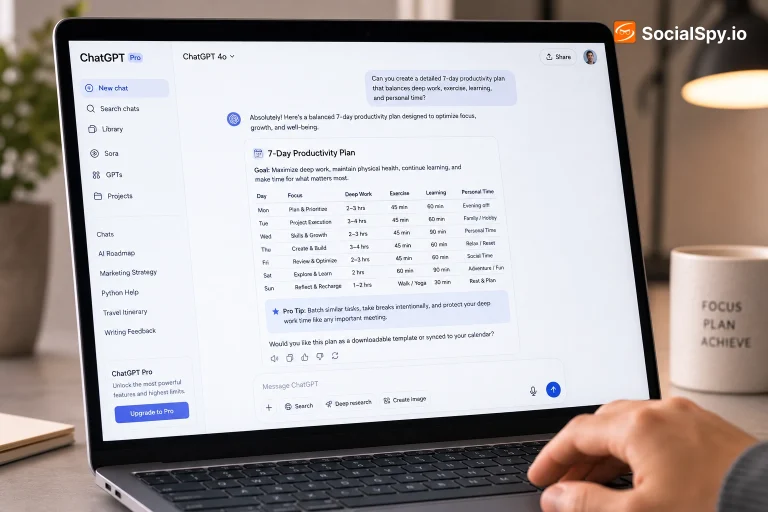
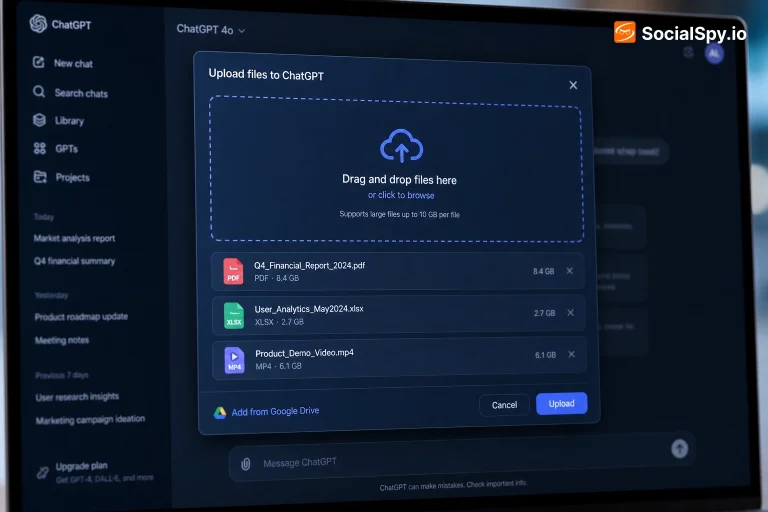
ChatGPT has grown well beyond a simple chat window since its 2022 launch. It can now browse the web for current information, analyze uploaded files (PDFs, spreadsheets, images), write and run code directly in a sandboxed environment, generate images from text descriptions, and hold long conversations that remember context from earlier in the chat - and, depending on your settings, across separate conversations too. It can also connect to some third-party apps and services directly, letting it pull real data (like your calendar or a document from cloud storage) into a conversation instead of relying only on what you paste in manually.
Where it consistently performs well: drafting and editing writing, explaining complex topics in plain language, summarizing long documents, brainstorming, translating between languages, and helping debug code. It's particularly strong as a first-pass tool - getting a rough draft, an outline, or a starting point you then refine, rather than a finished, publish-ready result straight away. Where it's less reliable: anything requiring up-to-the-minute precision (exact current prices, breaking news from the last few minutes) unless it explicitly searches the web for you, and any task where a factual mistake would be costly. It's worth double-checking anything you're using for a real decision - a job application, a medical or legal question, a financial calculation - against a source you trust.
How ChatGPT Actually Works (In Plain English)
ChatGPT is built on what's called a large language model - a system trained on enormous amounts of text to learn the statistical patterns of how language works. When you type a message, it doesn't "look up" an answer the way a search engine does. Instead, it predicts, word by word, what a helpful and coherent response would look like based on everything it learned during training, plus whatever you've told it earlier in the conversation. That's a genuinely useful thing to understand, because it explains both ChatGPT's strengths and its weaknesses at once: it's extremely good at producing fluent, well-structured, contextually appropriate text, because that's literally what it was trained to do - but it has no built-in way to know whether a specific fact is true, only whether it sounds like something that would plausibly follow from the conversation so far.
Newer versions add "reasoning" capabilities, where the model works through a problem in intermediate steps before giving a final answer, similar to showing your work on a math problem - this noticeably improves performance on tasks involving logic, multi-step problems, or code, though it also makes responses slower for those harder questions. Understanding this distinction is genuinely useful day to day: for a simple, well-known fact, the standard fast response is fine; for anything involving genuine multi-step reasoning, using a "thinking" or reasoning-enabled mode (available on paid plans, and increasingly on free tiers too) tends to produce meaningfully better results.
ChatGPT Plans and Pricing Explained
The free tier gives you access to ChatGPT's standard model with a message limit that resets periodically, plus limited access to more advanced features like image generation and file uploads. It's genuinely usable for everyday tasks, not just a stripped-down demo, though you'll notice the message caps if you use it heavily in a single session.
ChatGPT Plus, at $20/month, substantially raises those limits, gives priority access during high-traffic periods, and unlocks OpenAI's more capable reasoning models for complex tasks, along with higher-quality image generation and longer file uploads. For most people who use ChatGPT regularly but not constantly throughout the day, Plus is the tier that actually matches how they use it.
ChatGPT Pro, at $200/month, is aimed squarely at people using ChatGPT as a daily, professional work tool - it includes the highest message caps (in practice, close to unlimited for most use cases), unlimited access to the most advanced models, and priority processing for demanding tasks like long-form research or large codebases. There's also ChatGPT Team and Enterprise, priced per seat for organizations, which add shared team workspaces, centralized admin controls, and - importantly for businesses - data that's excluded from model training by default, something individual Free/Plus/Pro users need to opt into manually.
For most casual or moderate users, the free tier or Plus covers real needs without paying for Pro-level capacity you won't use. A simple way to decide: if you're consistently hitting message limits during normal use, or you specifically need the most advanced reasoning models for complex professional work, Plus is usually the right upgrade to try first - only move to Pro if you find yourself hitting Plus's limits too, which is a genuinely high bar for most individual users.
ChatGPT vs. Claude and Gemini
ChatGPT, Anthropic's Claude, and Google's Gemini are the three most widely used AI chatbots, and while they overlap significantly in what they can do, each has areas where it tends to edge ahead. ChatGPT generally has the broadest plugin/integration ecosystem and the most mature set of features (image generation, code execution, web browsing, voice mode) bundled into one product, which makes it a strong general-purpose default for most people. Claude is frequently praised for longer, more careful, and more nuanced writing, and for handling very long documents or conversations without losing track of earlier context as easily. Gemini has the deepest native integration with Google's own products (Search, Docs, Gmail, Android), which matters a lot if your daily workflow already lives inside Google's ecosystem.
In practice, the differences that matter most for most people are less about raw capability - all three are genuinely strong - and more about which ecosystem you're already using, and which one's specific writing style or interface you personally prefer. Many heavy users end up trying more than one and picking based on feel rather than a single objective "best" answer, since the gap between them narrows and shifts with nearly every model update.
Privacy: What ChatGPT Remembers About You
By default, ChatGPT can retain "memories" - facts and preferences it picks up from your conversations, like your job, writing preferences, or ongoing projects - to make future chats more personalized, unless you turn that off. You can view, edit, or clear these memories directly in Settings, under Personalization, and you can also simply ask ChatGPT in a conversation what it remembers about you, which will list out its current stored memories in plain language.
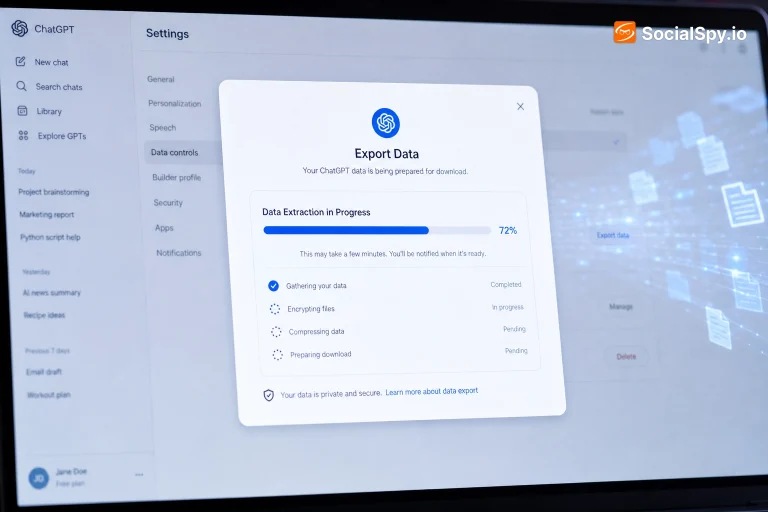
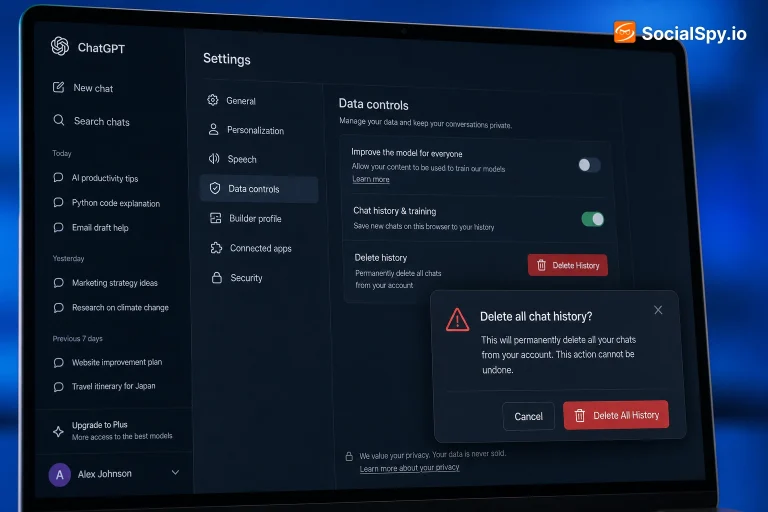
Separately, your conversation history is stored and, unless you've opted out or you're on a Team/Enterprise plan, may be used to help improve OpenAI's models. You can disable model training on your data in Settings under Data Controls, and you can permanently delete individual conversations or your entire chat history at any time - deleted conversations are generally removed from OpenAI's active systems within 30 days, though some retention for legal or safety purposes can apply. None of this happens invisibly: everything ChatGPT stores about you is visible and editable in your own account settings, which is worth reviewing periodically if privacy is a genuine concern, especially before sharing anything sensitive (financial details, health information, unpublished work) in a conversation.
Common ChatGPT Problems and How to Fix Them
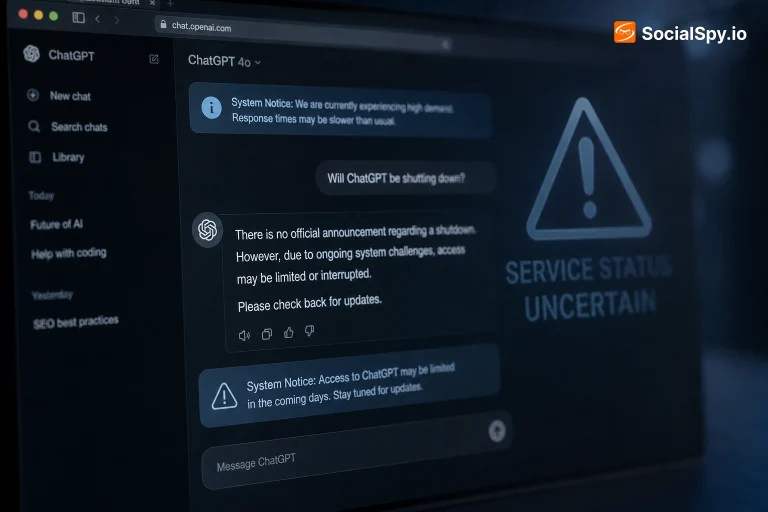
A few issues come up often enough to be worth knowing the fix for in advance. If ChatGPT seems to be giving shorter or slower responses than usual, you may have hit your plan's usage limit - check for a notice at the top of the chat window, which usually tells you when it resets, often within a few hours. If a conversation feels like it's "forgotten" earlier context, very long chats can eventually exceed what the model can hold in its working memory at once; starting a new chat and briefly restating the key context usually resolves this, and is often faster than trying to continue an increasingly long thread anyway.
If uploaded files aren't being read correctly, converting them to a more standard format (a scanned PDF to a text-based one, for example) often helps, since ChatGPT reads embedded text far more reliably than images of text within a scanned document. If you're getting responses that seem confidently wrong, that's a known and well-documented limitation of how these models work - they generate plausible-sounding text based on patterns, not verified facts pulled from a database, so anything important is worth checking against a real source rather than taken at face value. And if ChatGPT is being unusually slow or unresponsive site-wide (not just for you), that's typically a temporary service issue on OpenAI's end during high-traffic periods - checking OpenAI's status page is the quickest way to confirm whether it's your connection or a broader outage.
Tips for Getting Better Results from ChatGPT
How you ask matters almost as much as what you ask. Being specific about the format you want (a bullet list, a table, a specific word count, a particular tone) up front produces noticeably better first results than a vague request, since the model has to guess less about what you actually need. Giving ChatGPT relevant context - who the audience is, what you've already tried, what "good" looks like for this specific task - tends to matter more than making the question itself longer or more elaborate.
For anything you'll use in a real decision, treat the first response as a draft to interrogate rather than a final answer: asking follow-up questions like "what assumptions are you making here" or "what could be wrong with this" often surfaces genuinely useful caveats the first answer didn't mention. And for complex, multi-step problems, breaking the request into smaller pieces - asking for an outline first, then filling in sections one at a time - typically produces more accurate, more useful results than asking for everything at once in a single massive prompt.
Frequently Asked Questions
Yes - ChatGPT has a genuinely usable free tier with a periodically resetting message limit. Paid plans (Plus, Pro, Team) raise those limits and unlock more advanced models and features.
If you regularly hit the free tier's message limits, or you need access to more advanced models for complex tasks, yes - for occasional or light use, the free tier is usually enough.
Yes, by default - you can view, delete individual chats, or clear your entire history at any time in Settings. You can also opt out of having your conversations used to improve OpenAI's models.
Yes, and confidently so - it generates plausible-sounding text based on patterns, not verified facts. Anything used for a real decision is worth double-checking against a reliable source.
Pro ($200/month) gives the highest usage caps and unlimited access to OpenAI's most advanced models, aimed at heavy daily/professional use. Plus ($20/month) covers most regular users well at a much lower price.
None is universally "better" - all three are strong. ChatGPT tends to have the broadest bundled feature set, Claude is often preferred for longer/nuanced writing, and Gemini integrates most deeply with Google's own products.
Be specific about the format and context you want, treat the first answer as a draft rather than final, and break complex requests into smaller steps rather than asking for everything at once.