iPhone Xs Battery Basics
The iPhone XS actually shipped with a slightly smaller battery than the iPhone X it replaced - something Apple offset with real efficiency gains from the newer A12 Bionic chip, which meant real-world battery life ended up similar between the two despite the capacity difference on paper.
What Made the iPhone Xs Special
The XS refined the iPhone X's design with a faster A12 Bionic chip, improved Smart HDR photography, and Dual SIM support via eSIM, while keeping the same OLED display size and Face ID system that the X introduced the year before. It was a smaller update than the X's radical redesign, but a meaningfully faster and more efficient phone underneath.
How the iPhone Xs Battery Ages
That efficiency advantage was true when both phones were new, but it doesn't change how the battery ages over time - it's still a lithium-ion cell rated to hold at least 80% of its original capacity through roughly 500 full charge cycles, regardless of how efficient the chip driving it is. Several years past launch (2018), both the XS and the X it replaced are well into the age range where meaningful capacity loss is expected on nearly any unit still running its original battery.
Signs You Need a Replacement
At this age, expect the standard signs to show clearly if they haven't already: Battery Health well below 80% (Settings, then Battery, then Battery Health & Charging) is common, and unexpected shutdowns before 0% are a frequent complaint on XS units still on their original battery. If it's been a while since you checked, it's worth doing even without obvious symptoms.
What a Replacement Costs
As an older, well-established model, the XS tends to have relatively affordable and widely available battery replacement options at this point - parts are common and the repair is familiar to most shops. In-warranty coverage is very unlikely for any remaining owner at this stage, making this typically an out-of-pocket cost, generally on the lower end compared to newer iPhones.
DIY vs. Professional Replacement
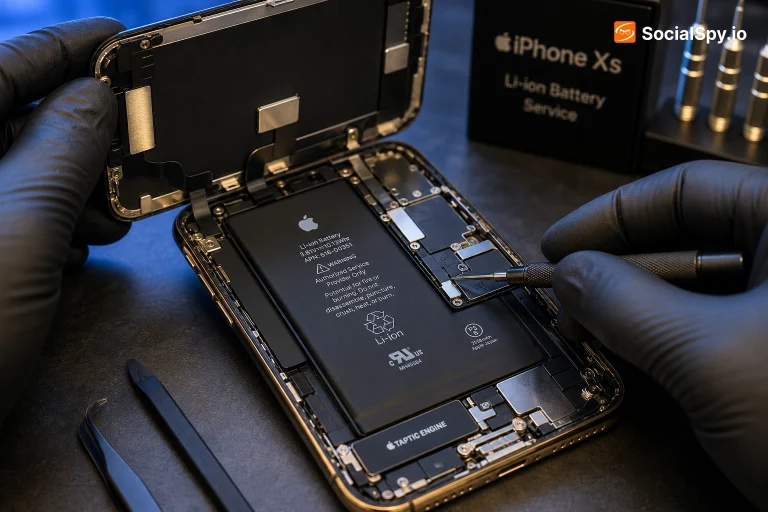
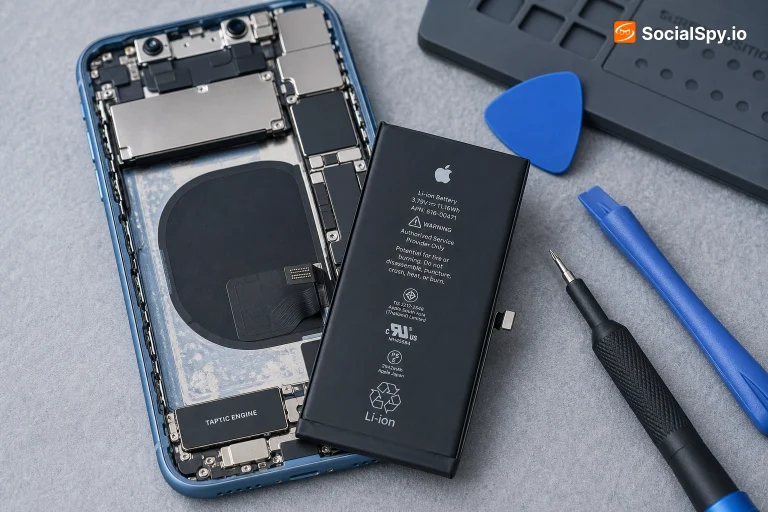
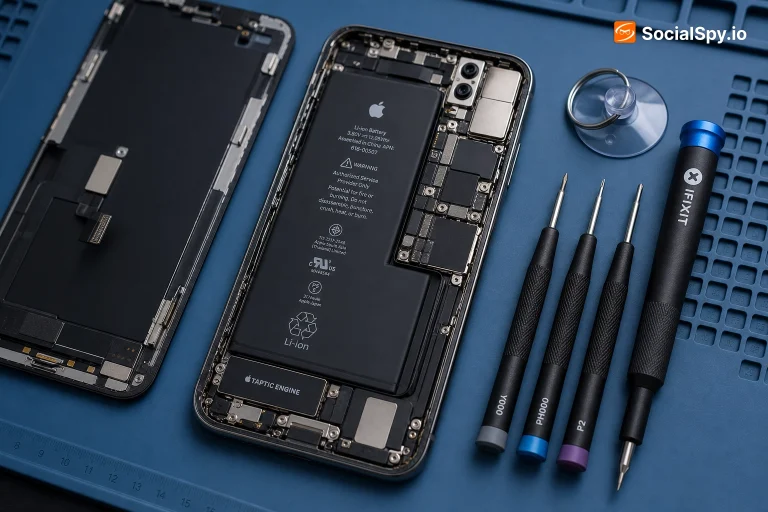
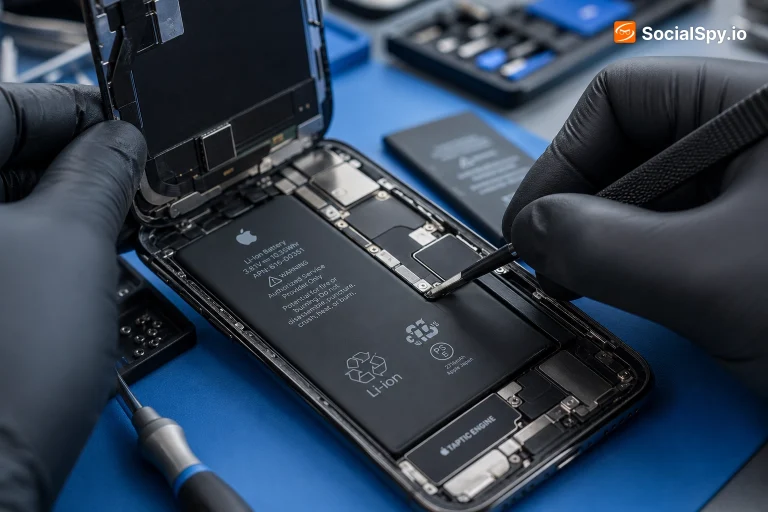
The XS uses stretch-release adhesive strips to hold its battery in place, the same system used across the modern iPhone lineup, and being a well-documented several-years-old model, guides and parts are easy to find. The core safety risk - puncturing the cell while freeing it from adhesive - is the same as on any iPhone, and remains the main reason professional repair stays the more cautious choice for anyone new to this kind of work.
Tips to Make It Last Longer
For a phone this age, checking Battery Health directly and planning around what you find is more useful than trying to extend an already well-worn original battery through new habits. Once a fresh battery is in, the usual advice applies going forward: avoid prolonged heat exposure, and leave Optimized Battery Charging enabled to slow future wear.
Is the iPhone Xs Still Worth It in 2026?
In 2026, the XS remains usable for basic daily tasks, though its age means you should have modest expectations - the OLED display and Face ID still work well, but expect this to be a phone for browsing, messaging, and calls rather than demanding use. Battery Health should be checked carefully before buying used, since a phone this old is very likely on a well-worn original battery.
Frequently Asked Questions
Apple prioritized internal space for other components on the XS and relied on the more efficient A12 Bionic chip to keep real-world battery life comparable to the X despite the smaller cell - it wasn't a downgrade in practice, just a different trade-off.
If the phone still meets your everyday needs, yes - it's an affordable, well-established repair that meaningfully extends the phone's usable life.
Check Battery Health first (Settings, then Battery, then Battery Health & Charging) - a low percentage or a "Service" notice there points clearly to the battery rather than software, which a restart or update won't fix.
Yes - the XS supports Qi wireless charging, a feature that debuted the previous year on the iPhone 8, 8 Plus, and X and continued forward from there.