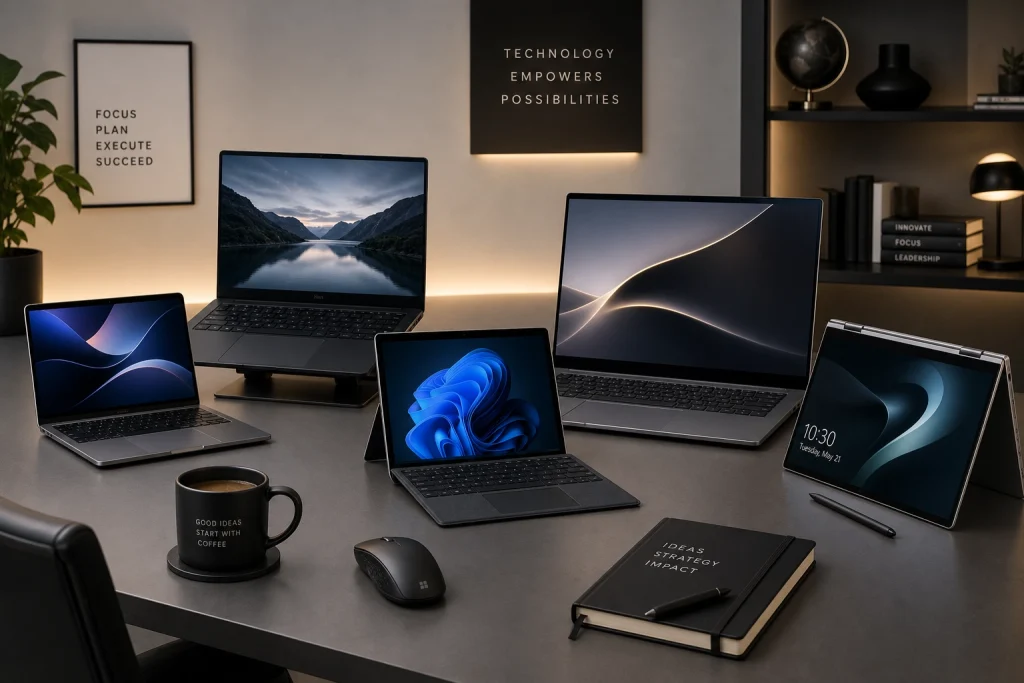
In the digital age, selecting the right laptop is crucial for maximizing work efficiency and productivity. With numerous options available, making the right choice can be daunting. This guide aims to simplify the process by highlighting key considerations and features to look for when choosing a work laptop.
Understanding Your Needs
Before diving into specifications, it is essential to identify your specific needs. The type of work you do greatly influences the kind of laptop you should choose. Consider the following questions:
- Are you primarily using your laptop for word processing and spreadsheets?
- Do you require specialized software for design, video editing, or coding?
- Will you travel frequently and need a lightweight, portable device?
- Do you need a high-resolution display for detailed graphics work?
Understanding these needs will help you focus on the specifications and features that are most important for your work.
Key Specifications to Consider
Once you have a clear understanding of your requirements, it’s time to delve into the technical aspects. Here are the key specifications you should consider:
Processor (CPU)
The processor is the brain of your laptop. For general office tasks, an Intel Core i5 or AMD Ryzen 5 is usually sufficient. However, if your work involves heavy computational tasks, such as video editing or large-scale data analysis, consider opting for an Intel Core i7 or AMD Ryzen 7.
RAM (Memory)
RAM determines how smoothly your laptop can run multiple applications simultaneously. For basic tasks, 8GB of RAM is generally adequate. For more demanding applications or multitasking, consider 16GB or more.
Storage
There are two main types of storage: Hard Disk Drives (HDD) and Solid State Drives (SSD). SSDs are faster and more reliable, making them the preferred choice for most users. A minimum of 256GB SSD is recommended for most work purposes, but if you store large files or applications, you may need 512GB or more.
Graphics Card (GPU)
For typical business tasks, integrated graphics are usually sufficient. However, for graphic design, video editing, or gaming, a dedicated GPU like NVIDIA GeForce or AMD Radeon is advisable.
Other Important Features
Beyond the core specifications, several other features can significantly impact your laptop’s usability and convenience:
Display Quality
A good display can reduce eye strain and improve your overall experience. Look for a screen with at least a Full HD (1920×1080) resolution. If color accuracy is important for your work, consider screens with IPS panels.
Battery Life
For those who work on the go, battery life is a crucial factor. Aim for a laptop that offers at least 8 hours of battery life to ensure you can work without constantly searching for a power outlet.
Keyboard and Touchpad
Comfortable typing and a responsive touchpad are often overlooked but vital for productivity. Test the keyboard for key travel and feedback, and ensure the touchpad is responsive and supports multitouch gestures.
Connectivity Options
Ensure the laptop has enough USB ports, including USB-C if possible, HDMI, or Thunderbolt for connecting to peripherals. An SD card reader and headphone jack are also useful additions.
Making the Purchase Decision
Once you have identified the specifications and features that match your needs, it’s time to make a decision. Here are some final tips to consider:
Set a Budget
Determine how much you are willing to spend. While it’s tempting to go for the highest specs, ensure the laptop meets your specific needs without unnecessary features that inflate the price.
Read Reviews
Check reviews from reputable sources and user feedback to gauge real-world performance and reliability. Look for reviews that mention aspects important to you, such as battery life or build quality.
Warranty and Support
Consider the warranty and customer support options provided by the manufacturer. A good warranty and reliable support can save you from future headaches.
Conclusion
Choosing the right laptop for work and productivity involves balancing your specific needs with the technical specifications and features available. By understanding what tasks you will perform and what features are most important to you, you can make an informed decision that enhances your productivity and meets your work requirements. Remember to set a realistic budget and consider the long-term value of the laptop you choose.
FAQ
What is the most important feature in a work laptop?
The most important feature can vary depending on the user’s specific needs. However, generally speaking, the processor and RAM are critical for ensuring smooth performance and multitasking capabilities.
Should I prioritize a lightweight design or battery life?
It depends on your work style. If you travel frequently, a lightweight design might be more convenient. However, if you often work in places without easy access to power outlets, prioritize longer battery life.
Is it worth investing in a laptop with a dedicated graphics card for work?
For most office tasks, a dedicated graphics card is not necessary. However, if your work involves graphic design, video editing, or 3D modeling, investing in a laptop with a dedicated GPU can significantly enhance performance and productivity.