Twitter doesn’t exist as a company name anymore, but the reflex to say “report this tweet” hasn’t gone away even four years into the platform’s life as X. Whether you’re dealing with harassment, a scam crypto reply-guy, or someone impersonating a small business, knowing how X’s reporting system actually works in 2026 can be the difference between a resolved complaint and a shrug from the algorithm.
How the Reporting Process Actually Works
The mechanics haven’t changed dramatically since the Twitter-to-X rebrand, but the backend has. Reports now route through a hybrid system combining Grok-assisted triage with human moderators, a shift X made official in late 2025 after years of relying almost entirely on outsourced contractors and automated keyword flags.
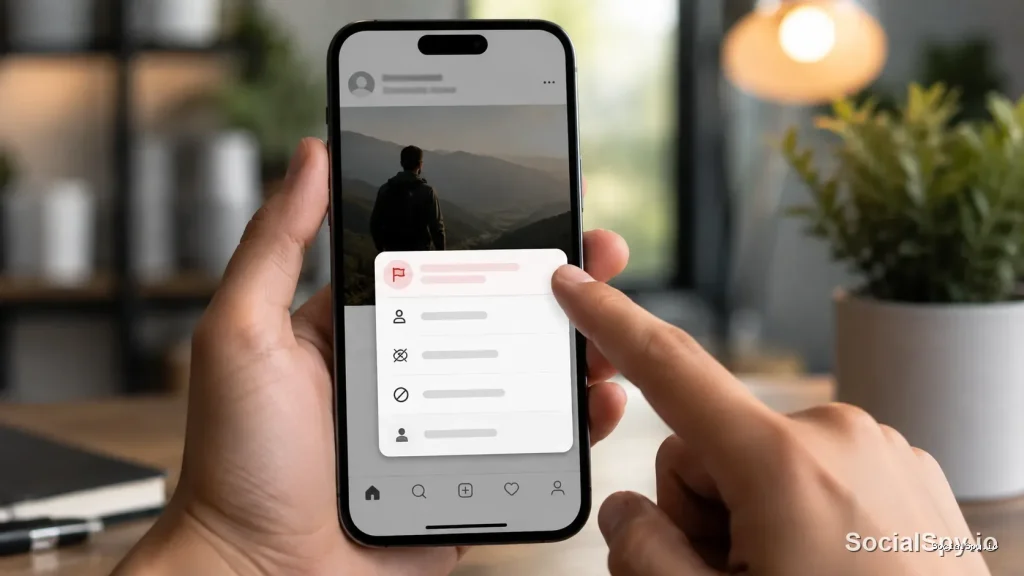
Here’s the step-by-step for reporting a post from a mobile device or the web:
- Find the tweet you want to report and tap the three-dot icon (also called the “more” menu) in the top-right corner of the post.
- Select Report Post from the dropdown.
- Choose whether you’re reporting on your own behalf or on behalf of someone else.
- Pick the specific violation category (more on these below).
- Add context if prompted — screenshots aren’t needed since the post is already linked, but written detail helps.
- Submit, then optionally block or mute the account separately, since reporting alone does not restrict what you see from that user.
One detail people miss: reporting a post does not automatically block the account. You have to do that as a separate action, and X’s own help documentation recommends doing both if you want the content out of your feed immediately.
The Report Categories, and Why Your Choice Matters
X’s reporting menu isn’t a single generic “flag” button — it’s a branching decision tree, and picking the wrong branch can genuinely slow down or misdirect your report. As of the platform’s 2026 policy structure, the top-level categories are:
- It’s spam — bulk posting, fake engagement, or repetitive scam content
- Abusive or harmful — harassment, threats, hate speech, or targeted insults
- Suicide or self-harm — content depicting or encouraging self-injury
- Sensitive or disturbing media — graphic violence or explicit content without warnings
- Sharing private information — doxxing, leaked addresses, or personal data
- Impersonation — accounts pretending to be another real person or brand
- Misleading information — includes health, election, and synthetic media claims
- Something else — a catch-all for issues that don’t fit cleanly
Each of these branches into sub-options. “Abusive or harmful,” for instance, splits into targeted harassment, hateful conduct based on protected categories, and violent speech — and X’s internal routing sends each sub-category to a differently trained review queue.
Why Misclassifying a Report Backfires
If you report targeted harassment under “spam” because it’s the first option you see, the system may auto-resolve it as spam-negative (meaning: no violation found) before a human ever reads the actual context. Analysts who study platform trust-and-safety operations have noted that misrouted reports are one of the biggest reasons users feel like “nothing happens” after they report abuse — the system did work, just on the wrong track.
What Happens After You Submit a Report
X doesn’t guarantee an outcome, and it’s upfront about that in its help center. But the internal process generally follows a predictable pattern.
| Stage | Typical Timeframe | What Occurs |
|---|---|---|
| Automated triage | Instant to a few minutes | Grok-based classifier scores severity and likely category |
| Priority queue sort | Minutes to hours | High-severity reports (threats, CSAM, self-harm) jump to human reviewers immediately |
| Human review | 24–72 hours (standard) | Trained moderator confirms or overturns the automated flag |
| Action taken | Varies | Post removal, account suspension, label addition, or no action |
| Reporter notification | Same day as decision, usually | In-app notification of outcome, sometimes without full detail |
For high-severity categories — explicit threats of violence, child safety issues, or suicide-related content — X states these get escalated same-day, and in practice most confirmed cases in this bucket are actioned within a few hours, not days.
Lower-severity or ambiguous reports, especially ones filed under “misleading information,” can take considerably longer, sometimes over a week, because they often require secondary review or get cross-checked against Community Notes context before any label or removal decision is made.
Community Notes vs. Reporting: Two Different Tools
A lot of confusion in 2026 stems from users not understanding that Community Notes and the Report button are separate systems serving different purposes.
- Report is for policy violations — it can lead to content removal, account suspension, or no action, and it’s reviewed by X’s trust-and-safety pipeline.
- Community Notes is for factual context — it adds a visible note to a post that a diverse cross-section of contributors agreed is helpful, but it never removes or hides the post itself.
You can’t “report” your way into getting a Community Note added, and you can’t file a Community Note to get someone suspended. They’re parallel tracks. If a post is misleading but not policy-violating, a Community Note is actually the more effective tool, since misleading-but-legal content rarely results in removal through reporting alone.
A recurring frustration among power users: they report a clearly false viral claim expecting removal, only to get a “no violation found” response — when what they actually wanted was a Community Note, a completely separate submission process accessible through the Birdwatch-derived contributor program.
Reporting Beyond a Single Post
Sometimes the problem isn’t one tweet — it’s a pattern. X has separate, related flows worth knowing:
- Reporting an entire account: from the profile page, tap the three dots next to the “Follow” button, then “Report.” This is the right move for repeat offenders, bot networks, or ongoing harassment campaigns rather than isolated posts.
- Reporting a Direct Message: DMs have their own report flow inside the conversation’s menu, separate from the public-post system, and these route directly to a higher-priority harassment queue.
- Reporting a Space (live audio): Spaces can be reported in real time during the broadcast, which is one of the few report types that can trigger an immediate moderator join rather than a delayed async review.
- Legal or law enforcement requests: for verified legal threats, doxxing with real-world danger, or government takedown demands, X maintains a separate legal request portal distinct from the standard in-app report button.
When to Escalate Beyond the App
If a report involves an immediate physical safety threat, X’s own guidance is blunt: contact local law enforcement first, then file the in-app report as a secondary step. The platform is not equipped to serve as a substitute for emergency response, and its help documentation says as much directly.
Common Reasons Reports Get Rejected
Reviewers who’ve discussed platform moderation trends note a handful of recurring reasons legitimate-seeming reports still come back marked “no violation found”:
- Public interest carve-outs — posts from verified public figures and journalists get more latitude under X’s newsworthiness policy, even when the content is harsh or offensive.
- Satire and parody labeling — accounts with clear parody disclosure in their bio are generally protected even if the content mimics a real account.
- Context collapse — a screenshot or reply reported in isolation may read as more or less severe than it appears in the full thread, so reviewers sometimes see a different picture than the reporter did.
- Regional policy variance — content legal and permitted in one country may still be visible globally even after a report, because X applies country-specific restrictions rather than blanket global removal in many gray-area cases.
- Report volume manipulation — X’s systems are built to detect coordinated mass-reporting campaigns (sometimes called “report bombing”) and can actually discount or ignore reports that spike suspiciously around a single post, which occasionally means a genuinely bad post gets under-actioned because it was also targeted by a brigading campaign.
Conclusion
Reporting a tweet on X in 2026 is less about hitting one magic button and more about understanding which of several parallel systems you actually need — policy enforcement, Community Notes, DM-specific queues, or law enforcement escalation. The single biggest lever an everyday user has is category accuracy: a harassment report filed under “spam” is far less likely to result in action than the same report correctly routed through the abusive-conduct branch. Pair that with realistic expectations about timelines — hours for severe safety issues, days for ambiguous cases — and reporting stops feeling like shouting into a void and starts functioning as the imperfect but genuinely functional tool it’s designed to be.
FAQ
No. X does not tell the reported account who filed the report or that a specific report was submitted against them; the account may only notice if X takes a visible action like a label, post removal, or suspension.
Yes, in the sense that your identity is never shared with the account you’re reporting — X’s trust-and-safety team sees who filed the report internally, but that information is not disclosed to the reported user under normal circumstances.
Reporting flags the content for X’s moderation team and can lead to removal or suspension if it violates policy, while blocking simply stops that account from interacting with you or appearing in your feed — blocking has no effect on whether the post gets reviewed or removed for other users.