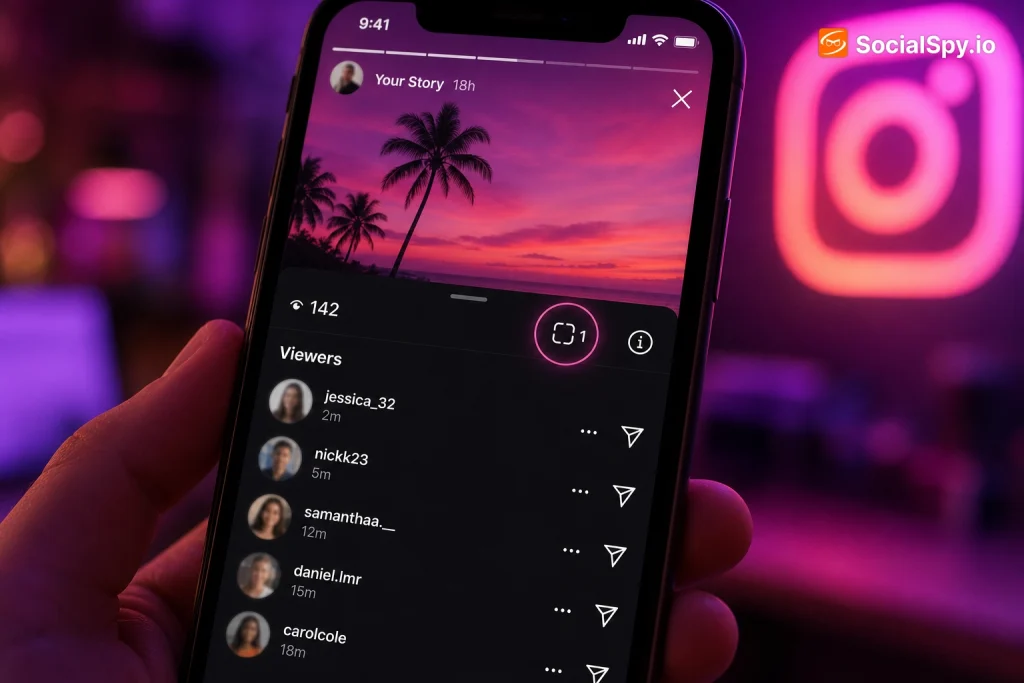
Instagram Stories feel private in the moment, but the paranoia is real: did that person just screenshot my story? The answer depends entirely on what kind of content you’re talking about, and Instagram’s policy on this has quietly shifted over the years.
What Instagram Actually Tracks Right Now
Instagram’s screenshot detection is narrow and hasn’t expanded meaningfully since it was first introduced. It only applies to specific, disappearing content types, not your everyday Story posts.
Here’s the breakdown of what triggers a notification versus what doesn’t:
| Content Type | Screenshot Notification? |
|---|---|
| Regular Story (photo/video visible for 24 hours) | No |
| Story Highlights | No |
| Disappearing photo/video sent in DM | Yes |
| Vanish mode messages (photos/videos) | Yes |
| Regular text DMs | No |
| Close Friends Stories | No |
Industry analysts who track Meta’s product changes note that this policy has remained essentially unchanged since 2018, despite Snapchat-style screenshot alerts becoming a common expectation among younger users.
If you’re still fuzzy on the mechanics of how this works across formats, the deep dive on Does Instagram Show Screenshot breaks down each scenario in more technical detail, including how the vanish mode detection actually fires.
Why Regular Stories Get a Pass
The distinction Instagram draws comes down to expectation of privacy. A Story is broadcast to your entire follower list (or Close Friends list) for 24 hours — it’s designed to be seen, screenshotted, and shared in some sense, even if that’s not always the intent.
A vanish-mode DM or disappearing photo, on the other hand, is a one-to-one exchange where the sender explicitly controls how long the content exists. Meta treats that as a higher-privacy context, similar to how Snapchat pioneered screenshot alerts for ephemeral chats back in 2011.
There’s also a practical, engineering-level reason:
- Volume: Stories can rack up thousands of views on popular accounts; pinging screenshot alerts at that scale would be noisy and largely meaningless.
- Ambiguity of intent: Someone might screenshot a Story to save a recipe, a meme, or a flight itinerary — not necessarily to “catch” anything.
- User backlash risk: Early tests of screenshot notifications on feed content reportedly caused friction because people didn’t want to feel surveilled while saving content for legitimate reasons.
- Existing viewer list: Since Instagram already shows you exactly who viewed your Story, adding a screenshot layer on top was seen internally as redundant for most use cases.
The Loophole People Use to “Beat” the System
Because Instagram doesn’t flag screenshots on Stories, plenty of workarounds exist for people who specifically want to save content undetected — even in the rare cases where detection does apply, like vanish mode.
The most common method is using a second device to photograph the screen of the first. This bypasses any screenshot API entirely because the operating system never registers a “screenshot” event — it’s just a camera taking a picture of a picture.
Other workarounds people use include:
- Screen recording apps that run in the background without triggering the native OS screen-record indicator (less common now that iOS and Android both show a persistent recording icon).
- Third-party Story-downloader websites that let you paste a public profile’s Story link and save the media without ever opening the Instagram app.
- Browser-based Instagram access (like instagram.com in desktop mode) where some older screenshot-detection logic doesn’t fully apply.
- Airplane mode screenshotting for DMs — a once-popular trick where users would screenshot before the app could sync the “screenshotted” flag to the server, though Meta has patched most versions of this exploit.
None of these matter for regular Stories anyway, since there was never a detection mechanism to bypass in the first place.
How This Compares to Highlights, DMs, and Other Instagram Privacy Features
Instagram’s privacy signals are inconsistent by design, and that inconsistency is exactly what confuses most users. Some things are visible to you, some are invisible, and some sit in a gray zone.
- Story views: Visible to the poster (unless the viewer has a private/limited interactions setting).
- Story screenshots: Never flagged, regardless of privacy settings.
- Highlight views: A frequent point of confusion — many people assume Highlights work like live Stories. For a full explanation of what’s actually trackable there, see Can You See Who Views Your Highlights on Instagram.
- Following list visibility: A separate privacy lever entirely, unrelated to screenshots but often adjusted by the same privacy-conscious users. If you’re auditing your account’s visibility settings anyway, How to Hide Following List on Instagram covers that adjacent setting.
- DM screenshot detection: Only applies to vanish mode and disappearing media, not standard text or permanent photo messages.
This patchwork means two people can have wildly different assumptions about what’s “safe” on the platform, depending on which feature they last read about.
What About Close Friends Stories and Business Accounts?
A lot of users assume Close Friends Stories — the green-ringed Stories shared with a curated list — carry extra screenshot protection since they’re more intimate. They don’t.
Close Friends Stories function identically to regular Stories in terms of detection: zero screenshot notifications, regardless of how small or trusted the audience is. The green ring is purely a visual/audience indicator, not a security feature.
Business and Creator accounts have their own quirks worth knowing:
- Story analytics (via Instagram Insights) show aggregate metrics like reach, taps forward, taps back, and exits — but nothing screenshot-specific.
- Some third-party analytics tools claim to detect “engagement spikes” that correlate with screenshotting, but this is largely speculative and not based on actual Meta data access.
- Creator accounts promoting content growth — like the strategies discussed in How to Grow on Instagram as an Artist — generally treat screenshots as a positive signal (free distribution) rather than something to police, since screenshotted Stories often get reshared elsewhere.
For business accounts specifically, the actual data worth watching is different from what most people fixate on:
| Metric | Available to Business Accounts? |
|---|---|
| Screenshot count | No |
| Reach and impressions | Yes |
| Exit rate | Yes |
| Sticker interactions (polls, questions) | Yes |
| Profile visits from Story | Yes |
Third-Party Apps That Claim to Detect Screenshots — Are Any Legit?
Search any app store and you’ll find dozens of apps promising to “reveal who screenshots your Instagram Story.” Almost none of them can actually do this, and here’s the technical reason why.
Instagram’s screenshot data (for the DM/vanish mode cases where it exists at all) is only accessible through Meta’s private, internal APIs. Third-party developers don’t have access to that data, full stop.
A recurring pattern among app review analysts: apps claiming screenshot-detection features for Instagram Stories are typically either ad-revenue farms with fake functionality, or outright malware requesting excessive permissions like contact access and account credentials.
Red flags to watch for before installing any “Instagram spy” or “screenshot detector” app:
- Requests your Instagram username and password directly instead of using official OAuth login.
- Has thousands of downloads but almost no detailed written reviews.
- Promises features Meta has explicitly stated don’t exist (like Story screenshot alerts).
- Bombards you with subscription upsells immediately after install.
- Isn’t listed on Meta’s official list of approved API partners.
If you’re generally trying to figure out whether a tool or gadget lives up to its marketing claims — a skill that extends well beyond social media apps — the framework in How to Tell If Wireless Earbuds Are Worth the Price Difference is a useful mental model: check for verifiable specs, independent testing, and red flags in marketing language before trusting a claim.
Conclusion
The short version is that Instagram made a deliberate product decision years ago and hasn’t budged: Stories are public-facing enough that screenshot alerts don’t apply, while DMs and vanish mode content get the privacy treatment because they’re framed as private, ephemeral conversations. No app, hack, or setting changes that in 2026, and anything claiming otherwise is either misunderstanding Instagram’s actual feature set or trying to get you to hand over your login credentials. If you’re worried about specific content being screenshotted, the only real safeguard is controlling who sees it in the first place — through Close Friends lists, restricted audiences, or simply not posting sensitive material to a Story at all, since once it’s visible on screen, there’s no technical barrier stopping a second device from capturing it anyway.
FAQ
No. Instagram has never notified users about screenshots taken of regular Stories, Close Friends Stories, or Story Highlights, and there’s been no policy change on this as of 2026 — the only screenshot alerts apply to disappearing DMs and vanish mode messages.
No, they cannot. Screenshotting a Story leaves no trace visible to the poster, though if you screenshot a vanish mode message or a disappearing photo/video sent directly to you in DMs, the sender will receive a notification.
No legitimate third-party app can access this data because Meta doesn’t expose screenshot information through any public API, so any app claiming this feature is either non-functional, a scam designed to farm ad revenue, or potentially malicious software seeking your login credentials.