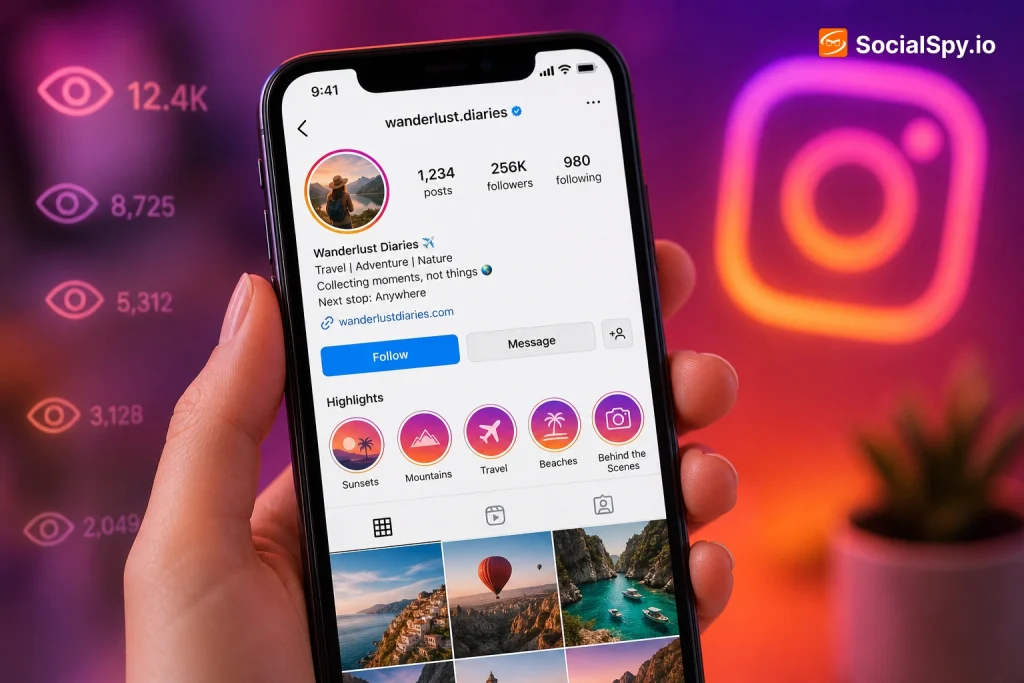
Instagram Highlights sit permanently on your profile, quietly racking up views long after the original Story disappeared. That permanence raises an obvious question for anyone who posts them: does Instagram tell you exactly who’s been watching, and for how long?
How Instagram’s Highlight Viewer List Actually Works
Highlights are just archived Stories bundled into a permanent album on your profile. Because of that, Instagram treats viewer tracking for Highlights almost identically to how it tracks regular 24-hour Stories, with one important limitation.
Here’s the mechanic most people miss: the viewer list only populates for views that happened in the last 24 hours. If someone watched your Highlight five days ago, their name eventually gets purged from the list you can see, even though the Highlight itself stays up forever.
- Open your own profile and tap any Highlight to play it.
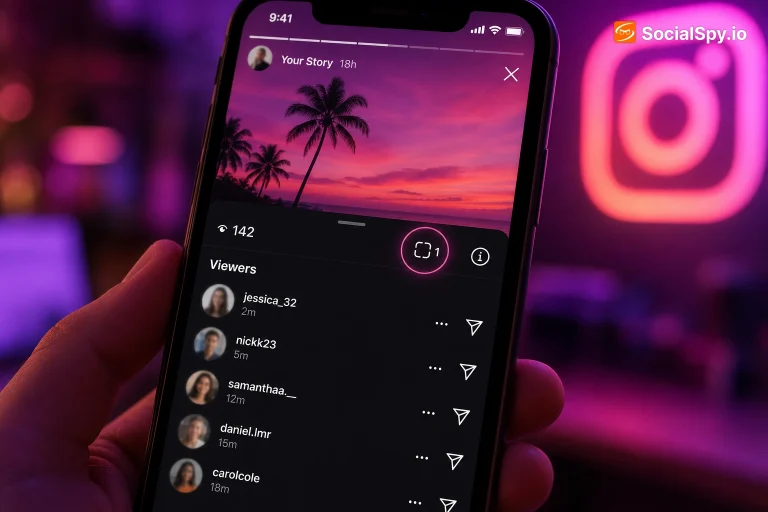
- Tap the “Seen by” icon (a small eye or the viewer count in the bottom-left corner) while a photo/video is playing.
- A list of usernames appears, showing everyone who has watched that specific clip within the trailing 24-hour window.
- This list is sorted with people you interact with most often appearing near the top, similar to regular Story view sorting.
Industry analysts who’ve tracked Instagram’s Story infrastructure note that Meta deliberately keeps long-term viewer data out of the app’s front end, largely to limit how much surveillance-style tracking is possible against everyday users.
This is different from how a lot of people assume Highlights work. Many creators think because the content is permanent, the analytics are permanent too — they’re not.
What You Can See vs. What’s Permanently Hidden
It helps to separate what Instagram actually surfaces from what people commonly believe it surfaces. There’s a real gap between the two, and that gap is where most confusion (and most sketchy third-party apps) live.
| What you CAN see | What you CANNOT see |
|---|---|
| Usernames who viewed within last 24 hrs | Anyone who viewed more than 24 hrs ago |
| Total view count per Highlight clip | Historical viewer logs or timestamps |
| Whether a specific follower has viewed recently | Views from accounts that have blocked you |
| Order of viewers by engagement level | Anonymous or “silent” viewers (there’s no such thing—if it’s not listed, it wasn’t within 24 hrs) |
A few nuances worth flagging:
- Private accounts you don’t follow can still view your Highlights if your profile is public, and they’ll show up in the 24-hour list like anyone else.
- Business and Creator accounts get slightly more data through Instagram Insights, including reach and impressions on Highlights, but still no permanent named viewer history.
- Screenshots and screen recordings of Highlights do not trigger a notification to you — that alert system was tested by Instagram years ago and never fully rolled out for Stories or Highlights.
- If someone views your Highlight from a secondary “close friends” restricted list, they still appear normally in the general viewer list; Highlights don’t inherit Close Friends visibility rules unless the original Story was Close-Friends-only.
Why Instagram Limits Viewer Data to 24 Hours
This isn’t a bug or an oversight — it’s a deliberate product decision, and understanding why explains a lot about how to think about privacy on the platform generally.
Meta’s Stories infrastructure was built around ephemerality: the entire feature was modeled after Snapchat’s disappearing-content format from 2016 onward. Even though Highlights extend the lifespan of that content indefinitely, the underlying viewer-tracking system was never re-engineered to match. Rather than storing years of granular “who watched what and when” data per user, Instagram caps it at a rolling day, which also reduces the platform’s data storage and liability burden.
There’s also a behavioral reason. If Instagram let you see, say, that someone viewed your two-year-old Highlight from a relationship you’d rather forget, it would turn profile browsing into something closer to surveillance. Capping visibility at 24 hours keeps the feature useful for the intent it’s designed for — knowing who’s currently engaging with your content — without becoming a permanent log of every profile visit anyone’s ever made.
- The 24-hour cap matches the original Story lifespan almost exactly, suggesting it’s tied to the same backend timer.
- Meta has never publicly announced plans to extend historical Highlight viewer data.
- This same 24-hour rule applies to Reels shared to Story, then archived into a Highlight.
Third-Party Apps and “Highlight Spy” Tools — What’s Real and What’s a Scam
Search “who viewed my Instagram Highlights” and you’ll find dozens of apps and browser extensions promising extended or anonymous viewer tracking. Almost none of them do what they claim, and several carry real security risk.
Here’s the technical reality: Instagram’s viewer data is served through authenticated API calls tied directly to the logged-in account that owns the content. There is no legitimate backdoor that lets a third-party app pull viewer history for an account it doesn’t have owner-level access to.
Common red flags to watch for
- Apps requesting your Instagram username and password directly instead of using official OAuth login — this is a credential-harvesting tactic.
- Browser extensions claiming to reveal “anonymous viewers” — Instagram doesn’t have an anonymous viewing mode, so this claim itself is a tell.
- Tools promising to show viewers on someone else’s Highlights without needing their login — technically impossible under Instagram’s current API permissions.
- Free “unlimited history” trackers that later demand payment to “unlock” results — a classic freemium bait pattern with fabricated data behind the paywall.
What legitimate tools can actually do
- Third-party analytics platforms (built for Creator/Business accounts through Meta’s official Graph API) can show aggregate metrics like reach, impressions, and completion rate on Highlights.
- These require you to authorize the app through Instagram’s official login flow, and they only work on accounts you already own or manage.
- None of them, including well-known social media management suites, can expose viewer identities beyond what the native app already shows.
If you’re building out a broader content strategy and trying to understand engagement patterns beyond just who watched a Highlight, it’s worth looking at how Understanding Social Media Algorithms: What Actually Gets You Views breaks down what genuinely moves the needle versus vanity metrics like viewer lists.
Privacy Controls: Managing Who Sees Your Highlights At All
If the concern isn’t just “who’s watching” but “I don’t want certain people watching,” Instagram gives you several actual levers — more useful than any viewer-tracking workaround.
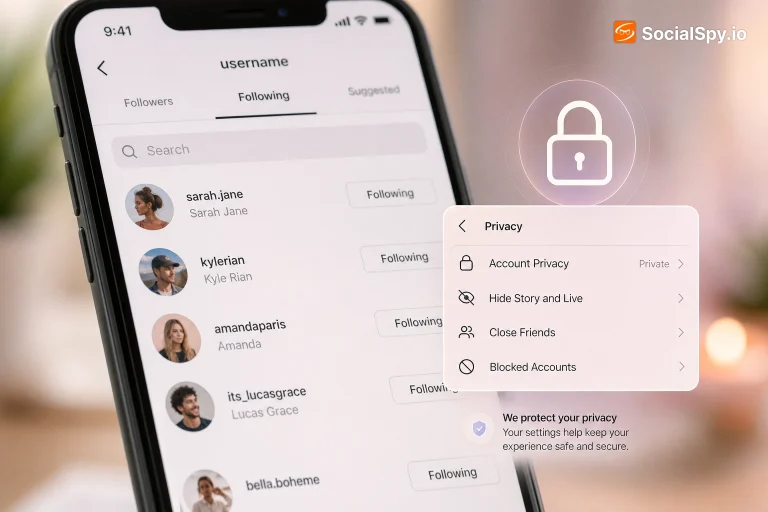
- Hide Stories/Highlights from specific people — Go to Settings → Privacy → Story, then add users to your “Hide story from” list. This retroactively affects Highlights sourced from Stories shared after the block is set.
- Make your account private — Highlights on private accounts are only visible to approved followers, cutting off the public-viewer problem entirely.
- Delete or archive individual Highlight clips — You can remove specific photos/videos from a Highlight without deleting the whole album, useful if one viewer’s presence in your list is unwanted.
- Restrict specific accounts — Restricted users can still view public Highlights but their interactions carry limited visibility notifications back to them.
- Close Friends-only Highlights — Curate a Highlight exclusively from Close Friends Stories to shrink the possible viewer pool from the start.
A common misconception: blocking someone after they’ve already viewed a Highlight does not retroactively remove their name from the 24-hour list if the view happened before the block. It only prevents future views.
For creators specifically — teachers, artists, business owners — Highlight organization also doubles as a discovery tool, not just a privacy concern. If you’re building a profile meant to attract new followers or clients, how you structure and label Highlights (portfolio, testimonials, FAQs) matters as much as who’s viewing them. That’s covered in more depth in How to Grow on Instagram as an Artist 2025, which applies just as well to teacher, coach, and small-business accounts.
Business Accounts: The Insights Advantage (And Its Real Limits)
If you’ve converted to a Creator or Business account, Instagram Insights gives you more than the basic 24-hour viewer list — but it’s still aggregate data, not a permanent named log.
- Reach: total unique accounts that saw the Highlight’s original Story content.
- Impressions: total number of times the content was viewed, including repeat views from the same account.
- Navigation metrics: taps forward, taps back, exits, and next-story swipes — useful for seeing where viewers drop off.
- Profile activity: how many Highlight viewers went on to visit your profile or website link afterward.
These metrics are retained longer than 24 hours in the Insights dashboard, typically viewable for the standard 90-day rolling window Instagram applies to most analytics data. But even here, Instagram deliberately withholds individual viewer identity tied to those long-term numbers — you get the “how many,” never the lasting “who,” once that 24-hour window closes.
Conclusion
The honest answer sits between two extremes people expect: Instagram isn’t hiding viewer data out of some conspiracy, but it also isn’t giving you the permanent surveillance log that Highlight permanence might suggest. You get a real, accurate, unfiltered list of viewers — just capped at a rolling 24 hours, no matter how long the Highlight itself has been live. Anything claiming to go further, especially third-party “spy” apps, is either misrepresenting basic Instagram functionality or actively phishing for your login credentials. The more productive move, especially for creators and business accounts, is treating Highlights as a curated, semi-permanent showcase — leaning on Insights for trend data and privacy settings for control — rather than chasing an identity log that Meta has made clear it doesn’t intend to provide.
FAQ
No. Instagram only displays the names of viewers who watched a Highlight within the last 24 hours; anyone who viewed it earlier than that is permanently removed from the visible list, even though the Highlight content itself remains posted indefinitely.
No, they don’t work as advertised, and many are outright scams designed to steal your Instagram login credentials. Instagram has no anonymous viewing mode and no legitimate API that lets outside apps access viewer identities on accounts they don’t own, so any app promising this should be treated as a red flag.
Not exactly — it gives you longer-term aggregate metrics like reach, impressions, and navigation data through Instagram Insights, typically available for around 90 days. However, it still won’t show you the specific names of individual viewers beyond the standard rolling 24-hour window that applies to all account types.