Instagram has never offered a simple toggle labeled “hide my following list,” and that’s frustrated privacy-conscious users for years. The good news is there are several legitimate workarounds that get you close to that goal in 2026, ranging from account-wide settings to third-party tools. This guide walks through exactly what works, what doesn’t, and why Instagram still hasn’t fixed this.
Why Instagram Doesn’t Let You Fully Hide Your Following List
Instagram’s engineering team has treated the following/followers list as part of the platform’s “social graph transparency” model since the app launched in 2010. The idea is that following relationships are semi-public by design, similar to how Twitter/X and Facebook historically treated friend lists before privacy backlash forced changes.
Instagram has quietly tested list-hiding features in the past. In 2021, some users spotted a beta option that let you hide your following list from public view, but it never rolled out broadly and was pulled within months.
Meta’s official reasoning, gathered from developer changelogs and support forum responses, centers on a few points:
- Discovery mechanics — following lists help the algorithm and other users find new accounts to follow, which drives platform growth.
- Anti-spam signals — visible follow graphs make it easier for Instagram’s trust and safety systems to detect bot networks and fake engagement rings.
- Advertiser transparency — brands and influencers are partially evaluated by who they follow, which matters for sponsorship vetting.
Industry analysts tracking Meta’s product roadmap note that a true “hide following list” toggle would require rebuilding parts of the discovery algorithm, which is likely why it keeps stalling in testing phases.
None of that helps if you just want more privacy today, so the rest of this guide focuses on what actually works right now.
The Only Real Native Option: Going Private
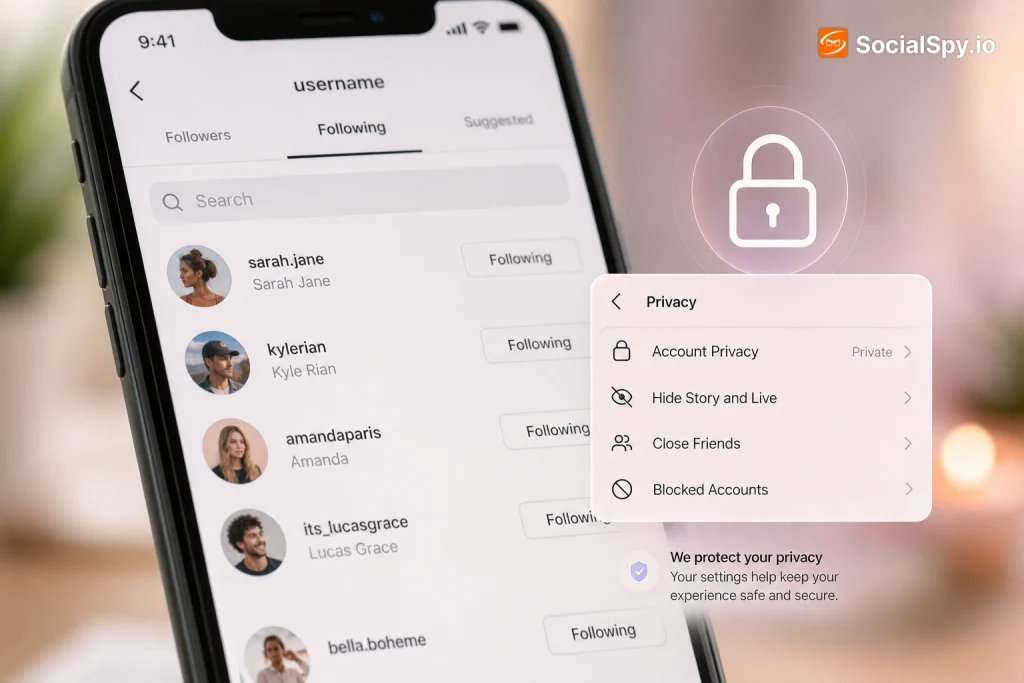
Switching your account to private is the closest thing Instagram offers to hiding your following list. Once private, only approved followers can see who you follow — strangers, ex-partners, and random accounts hitting your profile see nothing but a locked padlock icon.
Here’s how to do it:
- Open Instagram and tap your profile icon in the bottom right.
- Tap the three-line menu in the top right corner, then select Settings and activity.
- Go to Who can see your content, then tap Account privacy.
- Toggle Private account on.
- Confirm the switch when the pop-up appears.
Once this is active, anyone who isn’t an approved follower will see a message like “This account is private” instead of your posts, followers, or following list. Approved followers, however, can still see everything, including your full following list — that’s the catch most people miss.
What Private Mode Doesn’t Solve
- Existing followers you’ve already approved can still browse your following list freely.
- Anyone you follow can typically see themselves on your following list from their own side, regardless of your privacy setting.
- Screenshots and shared lists between mutual friends can still leak who you follow, even on a locked account.
- Business and Creator accounts lose some private-mode functionality tied to ads and Insights.
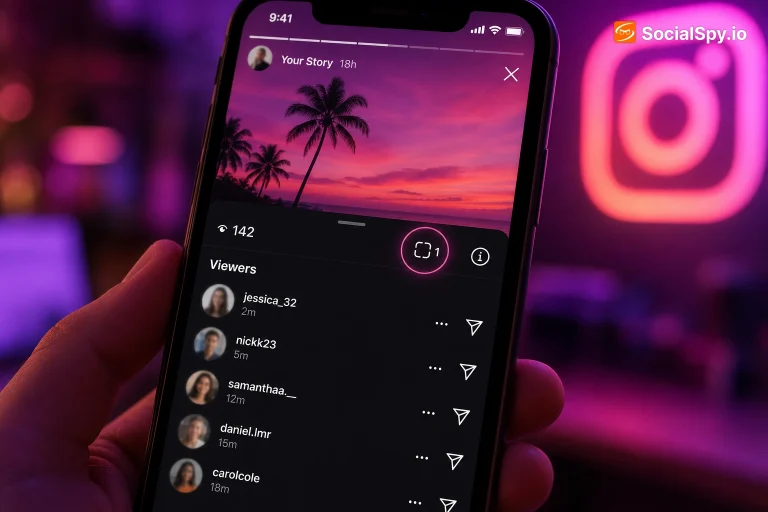
If you’re worried specifically about people taking screenshots of your list and sharing them, it’s worth understanding how Instagram’s screenshot detection actually works — our breakdown of whether Instagram shows screenshots covers what does and doesn’t trigger a notification.
Trimming, Restricting, and Managing Who Shows Up
If going fully private feels like overkill, you can manage your following list more surgically. This won’t hide the list itself, but it controls what’s actually visible on it.
Unfollow Strategically
The simplest fix for a specific worry — like following an ex, a competitor, or a client you don’t want publicly associated with your account — is just unfollowing them. It’s blunt, but it’s instant and requires no settings changes.
Use the Restrict Feature
Instagram’s Restrict tool, found under a user’s profile menu (tap the three dots, then Restrict), limits what a specific person can see and do without alerting them like a block would. Restricted users:
- Can’t see when you’re active or when you’ve read their DMs.
- Have their comments on your posts hidden from public view unless you approve them.
- Still technically appear as someone you follow, so this doesn’t hide list entries — it just limits interaction visibility.
Close Friends Doesn’t Apply Here
A common misconception is that adding people to your Close Friends list changes following-list visibility. It doesn’t — Close Friends only controls who sees your Stories, not your follower/following graph. If you’re using Stories or Highlights to manage sensitive content, it’s worth also knowing who can see your Highlight views, since that’s a separate privacy layer entirely.
Using a Second Account for Sensitive Following
Many privacy-focused users in 2026 solve this problem by running two accounts: a public-facing one for content and a locked-down secondary account for personal browsing.
This is especially common among:
- Creators and influencers who need a public account for growth but want a private one to follow competitors, exes, or niche interests without judgment.
- Teachers and professionals who keep a curated public presence separate from personal follows — a pattern we cover in depth in our guide on starting a teacher Instagram page.
- Artists and small business owners who follow industry accounts publicly but keep personal follows private, a balance discussed in our piece on growing on Instagram as an artist.
Here’s a quick comparison of how the two-account approach stacks up against just using one private account:
| Approach | Following list hidden from strangers | Hidden from approved followers | Setup effort |
|---|---|---|---|
| Single private account | Yes | No | Low |
| Two accounts (public + private) | Yes | Yes, on the private account | Medium |
| Third-party “hide follow” apps | Partial, risky | No | Low, but violates ToS |
The two-account method is more effort, but it’s the only way to genuinely segment who sees which relationships without violating Instagram’s terms of service.
Third-Party Apps: Why You Should Be Skeptical
A quick search for “hide Instagram following list app” turns up dozens of browser extensions and mobile apps claiming to mask your follow list from everyone, including approved followers. Almost none of them work as advertised, and several carry real risk.
Here’s what’s actually happening with most of these tools:
- They don’t modify Instagram’s backend. No third-party app can change what Instagram displays on your public profile because that data is served directly from Meta’s servers, not the app you’re viewing it through.
- Some request your login credentials. Handing over your username and password to an unofficial app is one of the most common ways Instagram accounts get compromised or banned outright.
- A few genuinely violate Instagram’s API terms. Automated scraping or spoofing tools that claim to “unlink” your following data are usually flagged by Meta’s anti-abuse systems, which can result in a shadowban or permanent suspension.
- Follower/following tracker apps are a related but different category. These let you see who unfollowed you, which is legal under Instagram’s terms if they only use approved API access — but they don’t hide anything on your end.
A safe rule of thumb: if an app promises to change what your own following list looks like to other people beyond what Instagram’s own privacy settings allow, it’s either lying or breaking platform rules.
If you’re evaluating any Instagram-adjacent tool — growth apps, analytics dashboards, scheduling platforms — it’s worth checking whether it uses Meta’s official Graph API versus scraping, since scrapers are the ones most likely to get your account flagged.
What About Business, Creator, and Verified Accounts
Business and Creator accounts face an extra wrinkle: Instagram discourages (and in some cases blocks) switching these account types to private, because private accounts lose access to Insights, ad promotion tools, and some Shopping features.
If you run a Business or Creator account and still want following-list privacy, your realistic options narrow down:
- Downgrade to a personal account temporarily, go private, then switch back — this works but resets some Insights history.
- Run a separate personal account for private browsing, keeping your Business account public as intended.
- Accept partial exposure and just manage individual follows carefully using Restrict or unfollowing.
Verified accounts (the blue checkmark, now tied to Meta Verified subscriptions in 2026) have no special following-list privacy controls either — verification affects authenticity signaling and support access, not visibility settings. If your public persona overlaps with content strategy questions, like whether to prioritize Reels for growth, that’s a separate but related consideration worth reading about in our comparison of Instagram Reels vs. TikTok for creators.
Practical Scenarios and What Actually Fixes Them
Different privacy concerns call for different fixes. Here’s a scenario-based breakdown:
| Your concern | Best fix |
|---|---|
| Strangers browsing my profile can see who I follow | Switch to private account |
| A specific follower keeps monitoring my activity | Use Restrict, or remove them as a follower |
| I follow someone I don’t want publicly associated with me | Unfollow them directly |
| I need public growth but private personal browsing | Run two separate accounts |
| A recruiter or employer might judge who I follow | Audit your list and unfollow accordingly before job searches |
That last scenario is more common than people assume. Professional visibility on Instagram increasingly overlaps with hiring — our piece on how a company found its newest hire through an Instagram DM is a good reminder that recruiters do look at social profiles, following lists included, before reaching out.
Conclusion
Instagram’s following list was built to be semi-public, and no legitimate 2026 workaround changes that at the code level — going private simply narrows the audience to people you’ve approved. If your actual goal is stopping strangers, exes, or employers from seeing who you follow, a private account paired with selective unfollowing or Restrict covers most real-world needs. For anyone needing true separation between a public persona and private browsing habits, running a second locked account remains the only method that hides your list from everyone, including people who already follow you. Skip the apps promising more than that; they either don’t work or put your account at risk of suspension.
FAQ
No. Once someone is an approved follower on a private account, they can see your full following list just like any other part of your profile. The only way to hide it from them specifically is to remove them as a follower or switch to a separate account they don’t have access to.
No. Privacy settings only control what other users can see on your profile. Instagram and its ad systems still have full access to your following data internally, since that information feeds recommendation algorithms and ad targeting regardless of your account’s visibility setting.
No official Meta-approved app or extension can hide your following list beyond what the built-in private account setting already does. Any third-party app claiming otherwise is either misrepresenting its function or violating Instagram’s terms of service, which risks getting your account flagged or suspended.