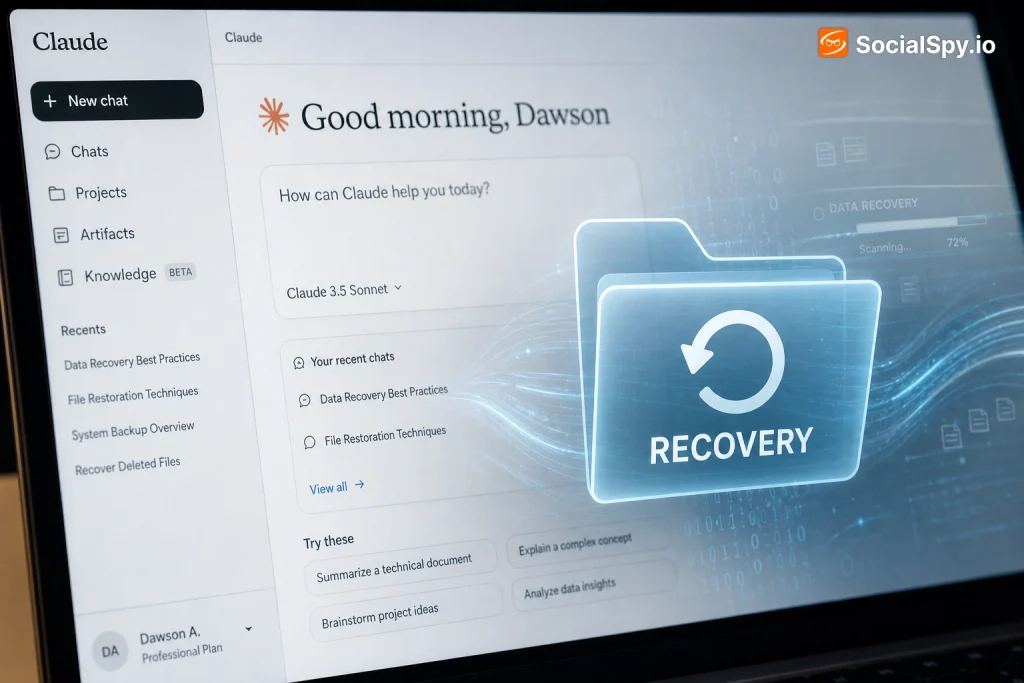
Anyone who has spent hours crafting custom instructions and uploading reference files into a Claude AI Project knows the sinking feeling of accidentally clicking “Delete Project.” Unlike a Google Doc or a Dropbox folder, Claude’s interface doesn’t obviously show a trash bin or version history, which makes the panic understandable. The real answer is more nuanced than a simple yes or no, and it depends heavily on what exactly you deleted and how quickly you act.
How Claude Projects Deletion Actually Works
Claude’s Projects feature, which Anthropic rolled out broadly in mid-2024, lets users bundle related chats under one roof with shared custom instructions and a project knowledge base of uploaded documents. It’s genuinely useful for anyone running multiple workstreams — say, a freelance writer managing five different clients — because each project keeps its own context isolated from the others.
The problem is that Anthropic built the deletion flow to be fast and final, not forgiving. There’s a single confirmation dialog, and once you click through it, the project disappears from your sidebar immediately.
Unlike Notion’s 30-day trash or Google Drive’s “Recently Deleted” folder, Claude AI gives you no visible staging area between “delete” and “gone.”
- No trash bin: Deleted projects don’t move to an intermediate folder you can browse.
- No undo button: There’s no “Ctrl+Z” equivalent immediately after deletion in the web app or mobile apps.
- No project-level version history: Even active projects lack a changelog of prior instruction edits, unlike collaborative tools like Google Docs.
- Immediate UI removal: The project vanishes from your dashboard the instant you confirm, even though backend data may linger briefly.
What Happens to Your Data After You Hit Delete
Front-end disappearance and back-end deletion are two different things, and this distinction matters if you’re trying to figure out whether anything is recoverable. Anthropic’s own privacy documentation states that deleted content can persist in encrypted backups for a limited window before being purged from all systems, which is standard practice across cloud software companies including OpenAI and Google.
That backend retention isn’t something you, as a user, can access or trigger a restore from — it exists for disaster recovery and legal compliance, not customer convenience. Here’s how the different pieces of a Claude Project typically behave once you delete it:
| Project Component | Visible After Deletion? | Theoretically Recoverable? |
|---|---|---|
| Chat conversation threads | No | Only via prior data export or support escalation |
| Custom instructions/prompt | No | Only if you saved a copy elsewhere |
| Uploaded knowledge files (PDFs, docs) | No | Only if you kept originals on your device |
| Project name and metadata | No | Not recoverable independently |
Notice the pattern: nearly everything routes back to whether you had a backup before deletion. Claude doesn’t independently preserve anything you can self-service restore.
Real Recovery Options You Can Actually Try
Before you accept total loss, it’s worth working through a checklist of realistic recovery paths, ranked roughly by how likely they are to actually work.
1. Check for a Prior Data Export
If you ever used Claude’s Settings → Privacy → Export Data option, Anthropic emails you a downloadable archive containing your conversation history in JSON format. This is by far your best shot at recovery, assuming the export predates your deletion.
2. Browser Cache and History
Claude’s web app is a single-page application, meaning some content is cached locally for performance. It’s a long shot, but if you deleted a project minutes ago and haven’t refreshed the tab, the DOM may still hold rendered text you can copy before closing the window.
3. Screenshots and Screen Recordings
If you use tools like Rewind.ai, macOS’s built-in screenshot history, or a screen-recording habit for important work sessions, you might reconstruct key instructions or outputs even without the original file.
4. Third-Party Sync or Extension Logs
Browser extensions such as chat exporters or note-taking tools like Notion Web Clipper sometimes archive page content automatically. Check any extension you had active during the session.
- Search your downloads folder for any manually saved
.json,.txt, or.pdfexports. - Check your email inbox for a subject line like “Your Claude data export is ready.”
- Open your browser’s cache/history and search for “claude.ai” entries from the relevant date.
- Look through any note-taking app where you might have pasted instructions for safekeeping.
- If none of that works, move to contacting Anthropic support directly.
Contacting Anthropic Support: What to Expect
Anthropic does maintain a support channel through support.anthropic.com, and Claude Pro and Team subscribers ($20/month and up) generally get faster response times than free-tier users. It’s worth being realistic about outcomes here, though.
Support teams at AI companies are typically not staffed to perform granular, per-project data restores for individual consumer accounts — this isn’t Gmail’s “undo send,” it’s closer to asking a cloud provider to dig through cold storage backups for one file among millions.
- Best-case scenario: You deleted the project within the last few hours, and support can manually check backend logs to confirm whether recovery is technically possible.
- Realistic scenario: Support confirms the data retention window (up to roughly 30 days per Anthropic’s data deletion practices) but explains individual project restoration isn’t a supported self-service or agent-assisted feature.
- Worst-case scenario: The data has already rolled out of backups entirely, and support can only confirm it’s gone.
Speed matters more than anything else here — the sooner you file a support ticket after an accidental deletion, the better your odds, since backend retention windows are finite and not user-controlled.
When you do file a ticket, include your account email, the approximate project name, and the exact date/time of deletion. Vague requests like “I lost my project, please help” get deprioritized compared to specific, timestamped ones.
How Claude Compares to ChatGPT and Gemini on Deletion Safety
If you’re choosing between AI platforms partly based on how forgiving they are with mistakes, it’s worth knowing that Claude isn’t uniquely bad here — this is largely an industry-wide gap, though there are some meaningful differences.
| Platform | Trash/Undo for Deleted Chats? | Data Export Option? | Project-Level Organization |
|---|---|---|---|
| Claude AI (Anthropic) | No | Yes, via Settings → Export Data | Yes — “Projects” feature |
| ChatGPT (OpenAI) | Archived chats can be restored, but fully deleted ones cannot | Yes, via “Export Data” in Settings | Yes — “Projects” feature (2025 rollout) |
| Gemini (Google) | No true trash bin; tied to Google Activity controls | Yes, via Google Takeout | Limited — “Gems” for custom personas |
The one notable distinction: ChatGPT’s “Archive” function acts as a soft-delete state you can reverse, whereas a full delete in either platform is permanent. Claude doesn’t currently offer an equivalent archive-first buffer step, which is arguably its biggest usability gap compared to OpenAI’s interface.
Google’s Gemini benefits from being tied into the broader Google account ecosystem, meaning some conversation data may surface in Google Takeout exports even if you’ve deleted it from the Gemini app itself, though this isn’t guaranteed and depends on your activity settings.
Prevention: Building a Backup Habit for Your Claude Projects
Since recovery is unreliable at best, the highest-leverage move is building habits that make deletion low-stakes in the first place. This is especially important if you use Claude Projects for client work, research, or anything with real business value attached.
- Export monthly: Set a recurring calendar reminder to run Claude’s data export feature, even if nothing seems urgent that month.
- Keep instructions in a master doc: Store your custom project instructions in a separate Google Doc or Notion page as the “source of truth,” and treat the in-app version as a copy.
- Never upload originals only: Always keep local copies of any PDFs, spreadsheets, or reference files before adding them to a project’s knowledge base.
- Rename before big changes: If you’re about to heavily restructure a project, duplicate its instructions into a new draft project first instead of editing in place.
- Use a shared drive for team projects: If you’re on a Claude Team or Enterprise plan, centralize critical prompts and files in a shared drive so no single person’s account is a point of failure.
None of these steps require extra software or cost money — they just require treating your Claude workspace the way you’d treat any other business-critical tool, with the same backup discipline you’d apply to code repositories or financial spreadsheets.
The Bottom Line on Recovering Deleted Claude Projects
Anthropic has built Claude Projects to be fast, flexible, and easy to reorganize — but that same design philosophy means deletion carries real, often permanent, consequences. Unless you’ve proactively exported your data or you catch the mistake within minutes and immediately contact support, treat a deleted project as gone rather than pending recovery.
The smarter long-term strategy isn’t hoping for a recovery feature Anthropic hasn’t built yet — it’s assuming one never will be, and adjusting your workflow accordingly. Export early, keep local copies of anything irreplaceable, and reserve Claude Projects for what they’re genuinely good at: an active working environment, not permanent cold storage for your most valuable documents and prompts.
Frequently Asked Questions
Does Claude AI have a “recently deleted” folder like Google Drive?
No. As of now, Claude’s web and mobile apps remove a deleted project from your account immediately with no intermediate holding area, unlike Google Drive’s 30-day trash or Dropbox’s deleted-files view.
Can Anthropic support restore a project I deleted yesterday?
It’s possible but not guaranteed — support can check whether your data still exists in backend backups (generally retained for up to about 30 days), but individual project restoration isn’t an official, self-service feature, so response depends on the specific engineer handling your ticket and how much time has passed.
What’s the single best way to prevent losing a Claude project in the future?
Run Claude’s built-in data export feature (Settings → Privacy → Export Data) on a recurring monthly basis and keep a separate master copy of any custom instructions or reference files outside the platform, since that export is currently your most reliable safety net.