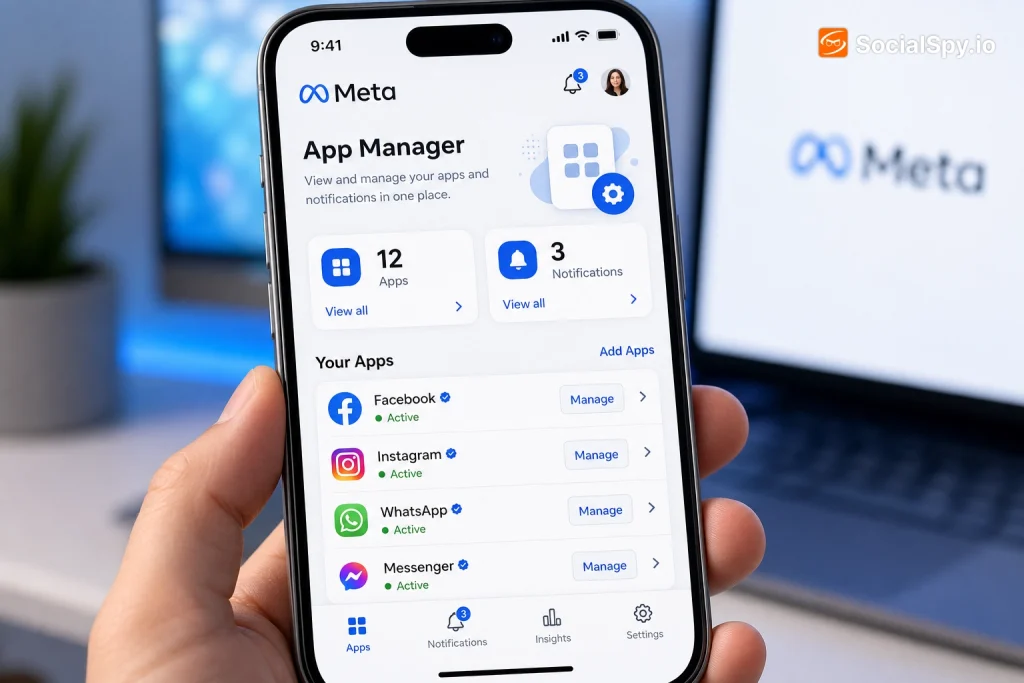
Meta’s ecosystem now spans Facebook, Instagram, WhatsApp, Threads, and a growing suite of AI tools, and nearly every one of those services lets outside developers plug into your account through logins, quizzes, games, and business integrations. Meta App Manager is the control panel that shows you exactly which of those outside apps have access, what data they can see, and how to shut off the ones you no longer trust. It’s one of the least-used but most important privacy tools inside your Meta account.
What Meta App Manager Actually Is
Meta App Manager isn’t a single app you download — it’s a settings hub built into your existing Meta account. It functions as a permissions ledger, tracking every time you clicked “Continue with Facebook” or “Log in with Instagram” on some other website or app.
There’s actually a related but separate tool with a similar name that confuses people: the Meta App Dashboard for developers. It’s worth knowing the difference before you go looking for either one.
| Feature | Consumer App Manager | Developer App Dashboard |
|---|---|---|
| Who uses it | Regular Facebook/Instagram users | Software developers building on Meta’s platform |
| Location | Accounts Center > Apps and Websites | developers.facebook.com |
| Purpose | Review/revoke app permissions on your account | Configure API keys, webhooks, app review status |
| Data shown | Apps connected to your profile | Usage stats and settings for apps you built |
This article focuses primarily on the consumer version, since that’s the one nearly every Meta user actually has installed on their account whether they realize it or not. Meta’s broader platform strategy — including how it’s leaning into AI across its properties, as covered in how Meta transformed into an AI-first tech company — makes tools like this increasingly relevant, since AI chatbots and third-party assistants are now among the apps requesting account access too.
Where to Find It and How It’s Organized
Meta consolidated this feature into its unified Accounts Center starting in 2022, which manages settings across Facebook, Instagram, and Messenger from one place instead of three separate menus. That consolidation is genuinely useful, but it also means the setting moved and a lot of longtime users can’t find it anymore.
Here’s the current path on most versions of the app and desktop site:
- Open Facebook or Instagram and go to Settings & Privacy.
- Tap Accounts Center.
- Select Your information and permissions.
- Tap Apps and websites (sometimes still labeled “Logged in with Facebook/Instagram”).
- Review the list, which is broken into Active, Expired, and Removed categories.
Active apps are the ones currently allowed to pull data or post on your behalf. Expired ones typically lost access because you haven’t used them in a long time or Meta enforced a data-retention cutoff. Removed apps are ones you or Meta already disconnected.
Meta has periodically noted that a meaningful share of connected apps in the average user’s list are ones people forgot they ever authorized — often games or quizzes tied to accounts from years earlier.
What Information It Reveals About You
The real value of Meta App Manager is the granularity. Tapping into any individual app doesn’t just tell you it’s connected — it tells you specifically what categories of data it can pull and what actions it can take.
Typical permissions you’ll see listed for a connected app include:
- Public profile info — name, profile photo, and Meta user ID
- Friend list access — in older/legacy integrations, though Meta has restricted this heavily since 2018
- Email address — often used for account creation on the third-party service
- Post to your timeline or Instagram — some apps request the ability to publish on your behalf
- Business asset access — for apps tied to Meta Business Suite, this can include ad accounts, Pages you manage, or catalog data
- Login activity — some entries show the last date you used the connected service
Each app also displays a “Remove” button, and critically, Meta App Manager lets you delete not just future access but request deletion of data the app already collected — assuming the developer complies with Meta’s Platform Terms. That last part matters: revoking access stops new data collection, it doesn’t automatically erase what’s already stored on a third-party server.
Why This Tool Exists: The Cambridge Analytica Legacy
Meta App Manager in its current, more transparent form is a direct product of regulatory pressure following the Cambridge Analytica scandal of 2018, in which a personality-quiz app harvested data from roughly 87 million Facebook profiles without meaningful consent from most of them. The incident triggered congressional hearings, an FTC settlement, and a complete overhaul of how Meta’s developer platform handles third-party data access.
Before 2018, an app that one friend installed could often pull data about you too, simply because you were connected to them — no direct permission from you required. That loophole is essentially closed today.
Key changes Meta made in response include:
- Friend-permissions removal: apps can no longer access a user’s friend list data by default
- App review requirements: developers must justify every sensitive permission they request before Meta approves the app
- Data expiration: inactive app connections lose access automatically after extended periods of disuse
- Mass audits: Meta has periodically suspended tens of thousands of apps found violating platform policy, and in a 2019 investigation banned or restricted roughly 400 developers tied to suspicious data practices
Meta App Manager is the visible, user-facing result of all that backend cleanup. It’s essentially a transparency requirement turned into a permanent feature.
How to Audit and Clean Up Your Connected Apps
Most people have never opened this menu, and the accumulation of years of forgotten app logins means the list is often longer than expected — sometimes 40, 50, or more entries for a long-time Facebook user. A five-minute audit is worth doing at least twice a year.
A Practical Cleanup Routine
- Sort by activity, not name. Focus first on apps you don’t recognize at all — these are the highest-risk entries since you likely don’t remember what data you agreed to share.
- Check permission scope, not just app name. A trivia game requesting “manage your ads” or “access business assets” is a red flag; legitimate simple games rarely need that.
- Remove anything inactive. If you haven’t opened or used a connected app in over a year, disconnect it — you lose nothing functionally.
- Revisit business integrations separately. If you manage a Facebook Page or run ads, check the Business Integrations section specifically, since agencies and ad tools often retain access long after a contract ends.
- Repeat the process on Instagram. Because Instagram and Facebook permissions can be managed somewhat independently even within Accounts Center, don’t assume cleaning one cleans both.
The same logic that applies to reusing passwords everywhere applies here — concentrated access points are convenient until one gets compromised, as discussed in whether it’s safe to use the same password manager for everything. A forgotten third-party app with standing access to your Meta account is a similar kind of quiet risk: it sits dormant until the app itself gets breached or sold, and suddenly your connected data is exposed through no fault of your own recent behavior.
Meta App Manager for Developers (App Dashboard)
If you build software rather than just use it, “Meta App Manager” more likely refers to the Meta for Developers App Dashboard, a completely different console used to register and configure apps that integrate with Meta’s Graph API, Messenger Platform, WhatsApp Business API, or Instagram API.
What Developers Actually Configure Here
- App ID and App Secret — the credentials used to authenticate API calls
- Permissions and Features — developers must explicitly request scopes like `pages_read_engagement` or `instagram_business_content_publish`, each requiring Meta’s app review before going live for the public
- Webhooks — real-time event subscriptions, such as getting notified when a user comments on a connected Page
- Business verification status — larger-scale API access (especially WhatsApp Business API) requires formal business verification through Meta
- Rate limits and usage dashboards — showing how close an app is to hitting API call ceilings
This is the tool a marketing agency, a customer-service chatbot vendor, or an AI coding assistant integrating with Meta’s platform would use daily. Given Meta’s recent push into developer-facing AI tooling — including releasing coding agents such as the one detailed in Meta’s launch of Muse Code for large codebases — this developer dashboard is becoming a more central part of Meta’s platform strategy, not a legacy afterthought.
Consumer Tool vs. Developer Tool: Quick Gut Check
If you’re wondering which one applies to you, ask this: are you trying to see what apps you personally logged into have access to your data, or are you trying to configure an app you built that other people log into? The former is the consumer App Manager; the latter is the Developer App Dashboard. The vast majority of people searching for this term mean the first one.
Conclusion
Meta App Manager isn’t flashy, and Meta doesn’t market it the way it promotes Reels or its AI features — but it’s arguably one of the more consequential privacy tools the company maintains, precisely because it exists as a direct concession forced by past failures. The tool works best as a habit rather than a one-time fix: new apps get authorized constantly, often through small, low-stakes moments like signing into a shopping site or trying a new game, and each one adds another thread of access that’s easy to forget. Treat the audit like changing a smoke detector battery — unglamorous, quick, and something you’ll be glad you did the one time it actually matters.
FAQ
No, they’re related but distinct. Privacy Checkup covers broader settings like who sees your posts and profile info, while App Manager (Apps and Websites) specifically handles third-party app permissions and data-sharing connections.
Not automatically. Removing access stops the app from pulling new data, but any information already stored on the third-party developer’s servers requires a separate deletion request, which Meta’s platform policy obligates compliant developers to honor if asked.
Most users accumulate old connections through years of one-click logins on games, quizzes, and shopping sites, many of which required only a single “Continue with Facebook” click. Meta doesn’t remove these automatically unless the developer’s app itself gets suspended or the connection expires from prolonged inactivity.